Making your own theme
The theme format is Omarchy’s and nothing about it changes here: colors.toml
drives the generated configs for the terminals, btop, Chromium, Hyprland,
Neovim, Helix, VSCode, Obsidian and the whole Omarchy shell; mode = "light"
pairs a theme with light mode; icons.theme names a Yaru icon set;
unlock.png and preview-unlock.png put a theme under Style > Unlock;
~/.config/omarchy/themed/*.tpl templates teach Omarchy to theme an app it
does not cover; and a theme installed from a repo has its .lua, terminal
configs and vscode.json dropped for the reasons upstream gives. Read
the upstream page for all
of that. This page covers only what is different.
What one colors.toml drives — the bar, the terminal, the borders and the
wallpaper all restyle together when a theme is applied:
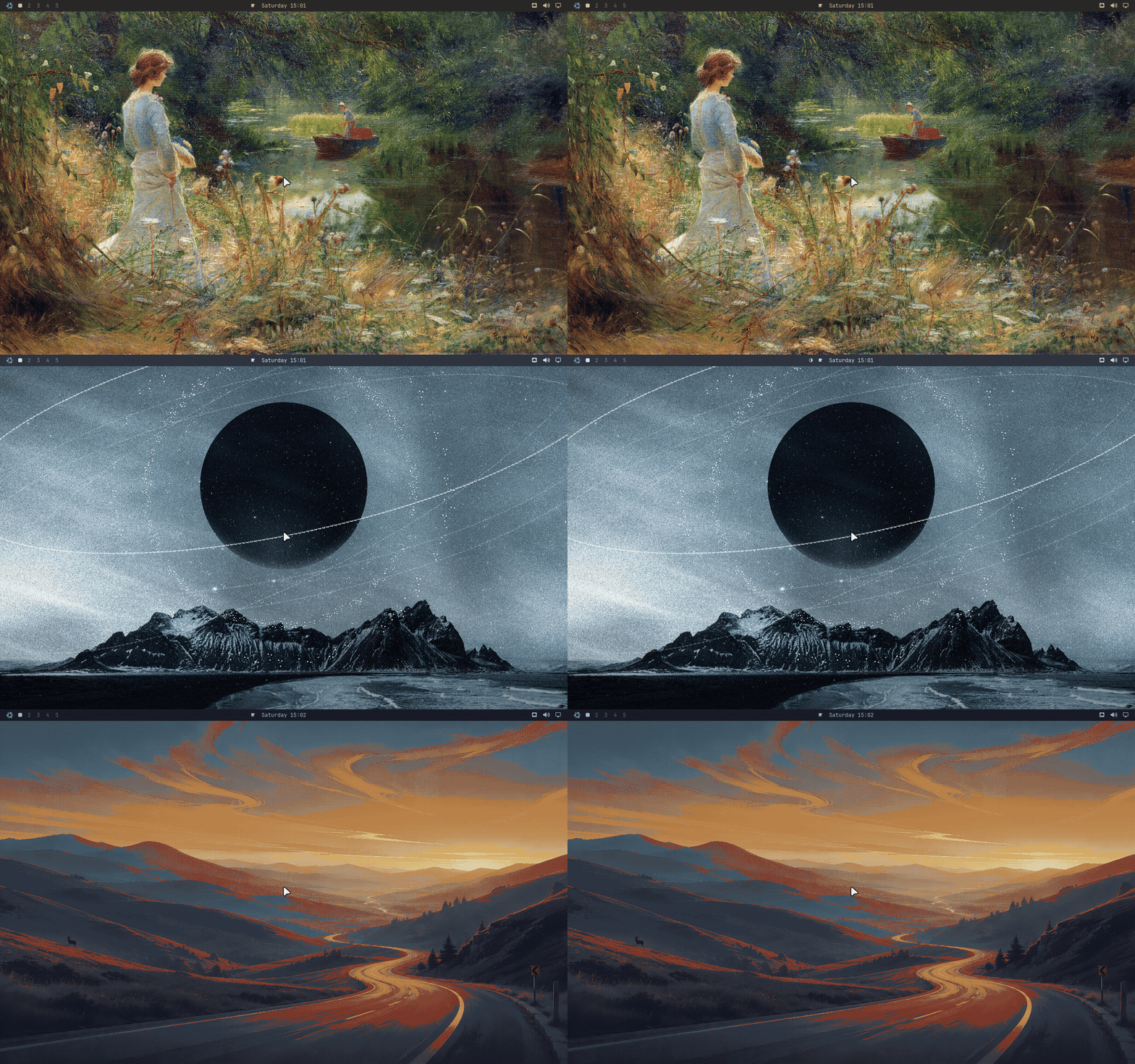
Where the stock themes live, and why you cannot copy-edit them in place
Upstream says: copy one of the existing themes from /usr/share/omarchy/themes
as a base. Here the stock themes live under
$OMARCHY_PATH/themes/
That is a /nix/store path. It is not merely inadvisable to edit; the store
is mounted read-only and the write fails. It also moves on every Omarchy or
nixpkgs bump, so never write the resolved path into anything — always go
through $OMARCHY_PATH.
Your own themes go where they always did, ~/.config/omarchy/themes/, and
anything in that folder shows up in the theme picker. Two workflows, both
starting from the store copy:
Overlay. Create a directory with the same slug as a stock theme and put only the files you want to change in it. When the theme is applied, the stock theme is copied first and your files win on top.
mkdir -p ~/.config/omarchy/themes/catppuccin
cp --no-preserve=mode "$OMARCHY_PATH"/themes/catppuccin/colors.toml \
   ~/.config/omarchy/themes/catppuccin/
# edit colors.toml, then re-apply the theme
Fork. Copy the whole theme under a new slug and treat it as yours.
cp -r --no-preserve=mode "$OMARCHY_PATH"/themes/catppuccin \
   ~/.config/omarchy/themes/catppuccin-custom
--no-preserve=mode matters in both. Files in the store are read-only, and
cp preserves that by default; without the flag your copy starts life
unwritable and the first edit fails with a permissions error that looks like
the store’s, one directory over from where the store is.
The overlay is the better default for small tweaks: the stock theme keeps
tracking upstream when omarchy update moves the nixarchy input, and only
your colors.toml stays pinned. A fork freezes everything at the version you
copied.
Installing and distributing
omarchy theme install <url> works unchanged. It clones at runtime into
~/.config/omarchy/themes/, which is yours, so nothing about the store gets in
its way — and the same omarchy-[themename]-theme naming convention and the
submission route to omarchy.org/themes apply.
Aether
Upstream points you at Aether, its GUI theme builder, for playing with colours
and searching for backgrounds. It is one of Omarchy’s own applications rather
than a nixpkgs package, so nixarchy does not preinstall it as upstream does.
Editing colors.toml by hand, as the overlay above does, is the route here.