The panel
The panel opens full-screen over what you are doing, in the desktop’s own look, and holds the keyboard until you close it, like nixarchy’s other panels.
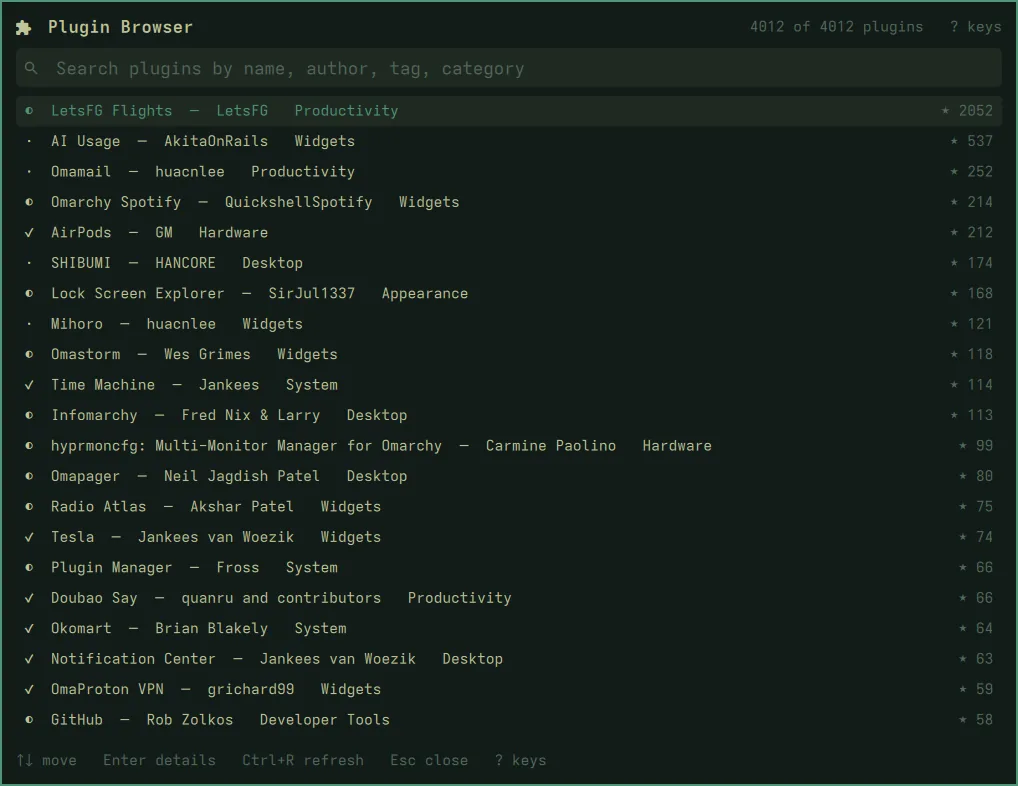
Finding a plugin
Type to search. The list narrows by name, id, author, category and tags as you type; the count in the corner says how many of the catalog are shown. Enter opens the highlighted plugin, even if you press it before the list has caught up with your typing.
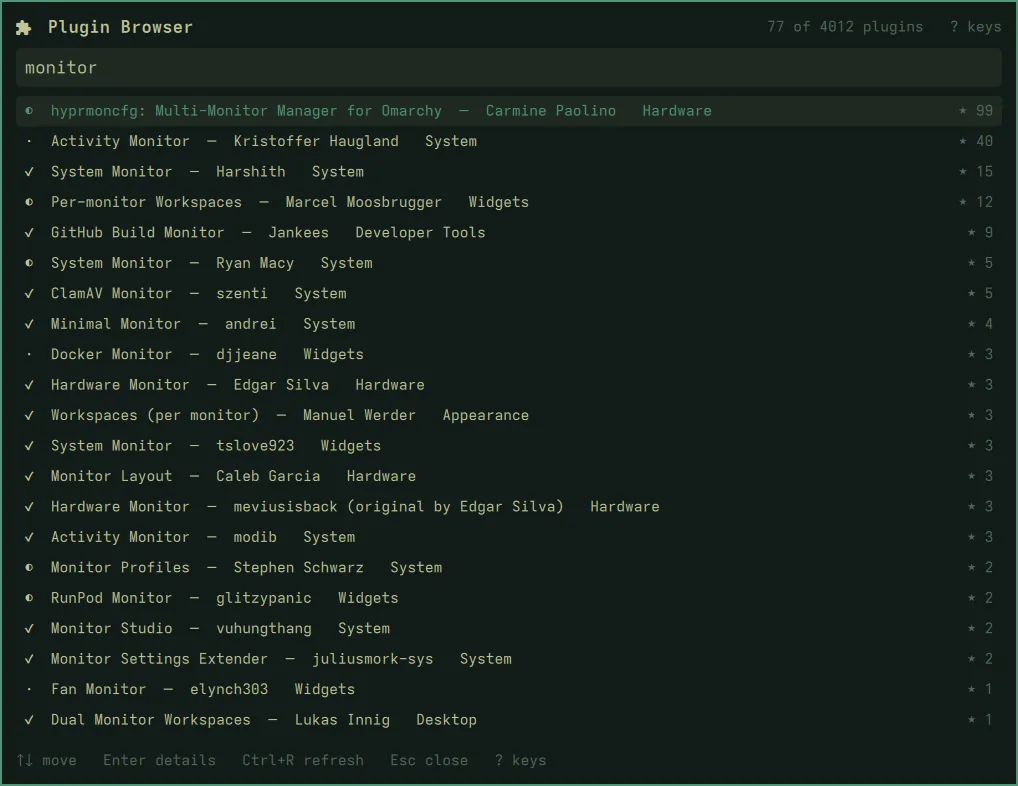
The badge before each name is the marketplace’s own verification status:
✓ verified, ◐ snapshot-verified (a newer commit is not yet checked), ·
unverified.
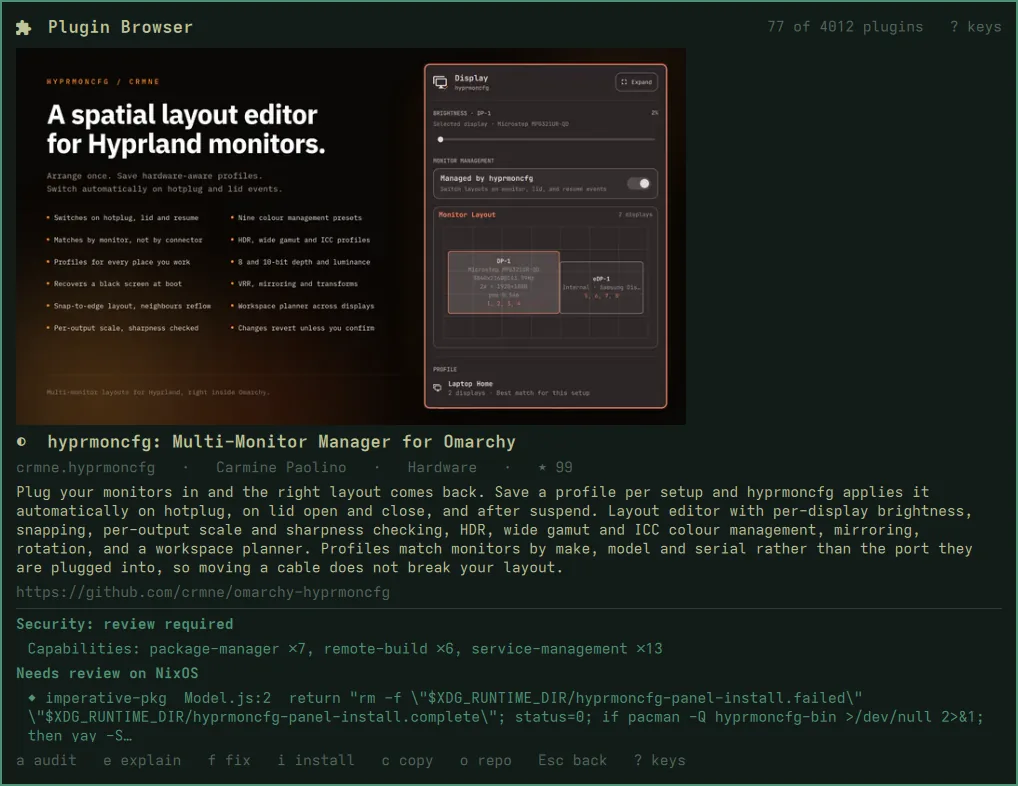
The details
Opening a plugin shows its preview image (if the marketplace has one), its description and repository, and starts the audit. The two verdicts appear below when the audit is done, usually in a few seconds. See the audit.
Every key
? shows them all, anywhere in the panel.
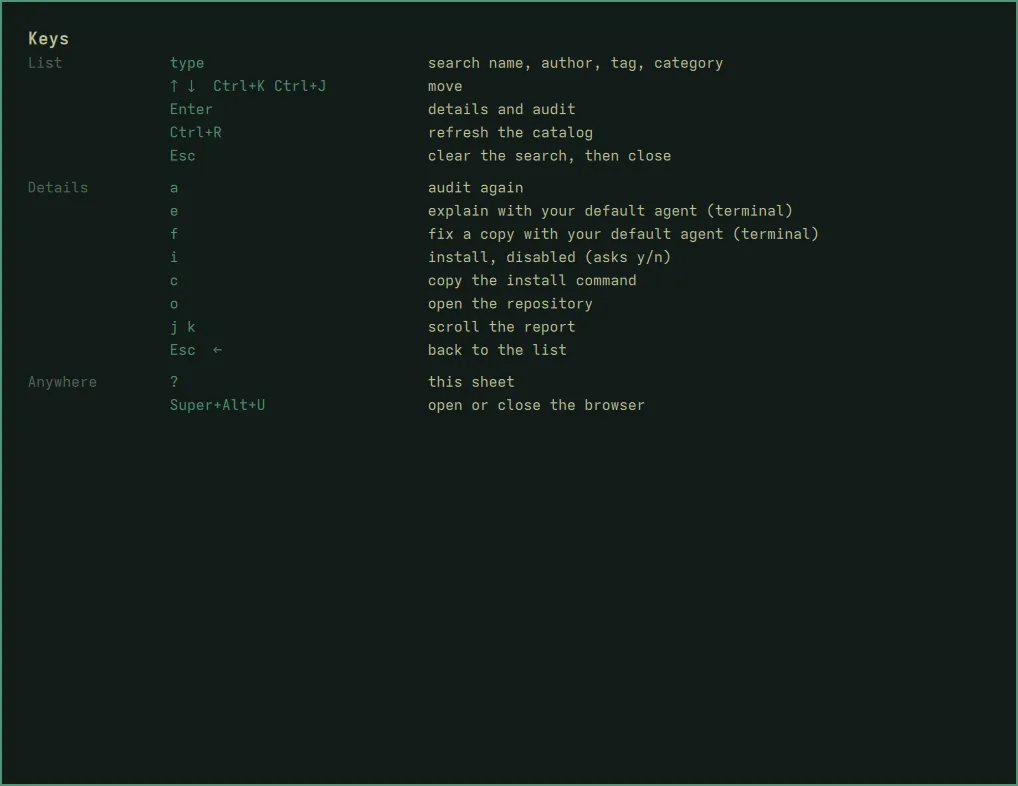
| Where | Keys |
|---|---|
| List | type to search · ↑ ↓ or Ctrl+K Ctrl+J to move · Enter for details · Ctrl+R to refresh the catalog · Esc to clear the search, then close |
| Details | a audit again · e explain / f fix with your agent · i install, disabled · c copy the install command shown in the pane · o open the repository · j k scroll · Esc back |
| Anywhere | ? all keys |
e, f and o open a window of their own (a terminal, or your browser),
so the panel closes to let you use it.
From a script
omarchy-shell shell toggle io.github.olafkfreund.nixarchy-plugin-browser '{}'
omarchy-shell shell toggle io.github.olafkfreund.nixarchy-plugin-browser '{"id":"crmne.hyprmoncfg"}'
omarchy-shell shell toggle io.github.olafkfreund.nixarchy-plugin-browser '{"query":"monitor"}'
{"id": …} opens that plugin’s details; {"query": …} opens with a search
typed. On nixarchy, nixarchy-plugin <id> does the first, and says so if
the plugin is turned off.
The bar button
A puzzle piece in the bar. A click opens the panel; a right click opens the same browser as a terminal program. When a new version is out, a dot appears on it. On a Nix install the button points you at your flake rather than offering its own update.