Packages
The third tab is called Selection, and the name is load-bearing. Read the next two paragraphs even if you skip the rest of this page.
It lists a selection, not your machine
This tab shows the packages nixarchy manages for you. It does not show what is installed on the machine.
If you already had a NixOS configuration before you met nixarchy — most
people did — the packages you declare in your own modules are not here, are
not managed here, and cannot be removed here. One real machine has 965
packages in environment.systemPackages across 128 files, and one of them in
this list.
That is not a bug and it is not going to be fixed by making the list longer. It is the boundary that makes nixarchy removable: the whole selection hangs off a single import, and taking that import out takes everything with it and leaves nothing behind. How it works is the full argument.
The practical consequence, which is the part that bites: removing a package here removes it from the selection, and if you also declare it somewhere else it stays installed. The panel is telling the truth when it says it removed something. It removed it from the selection.
Adding one
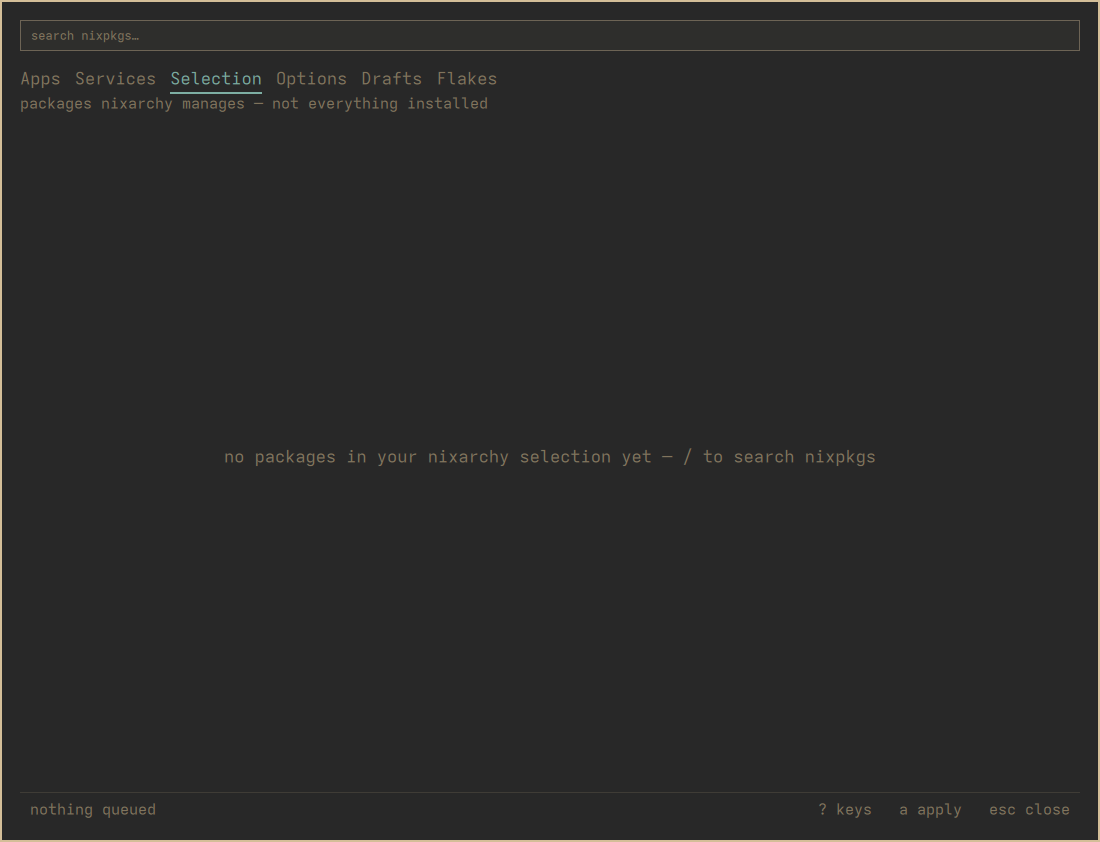
/, then type. This searches the whole nixpkgs index — about 113,000
packages as of writing — not the catalogue.
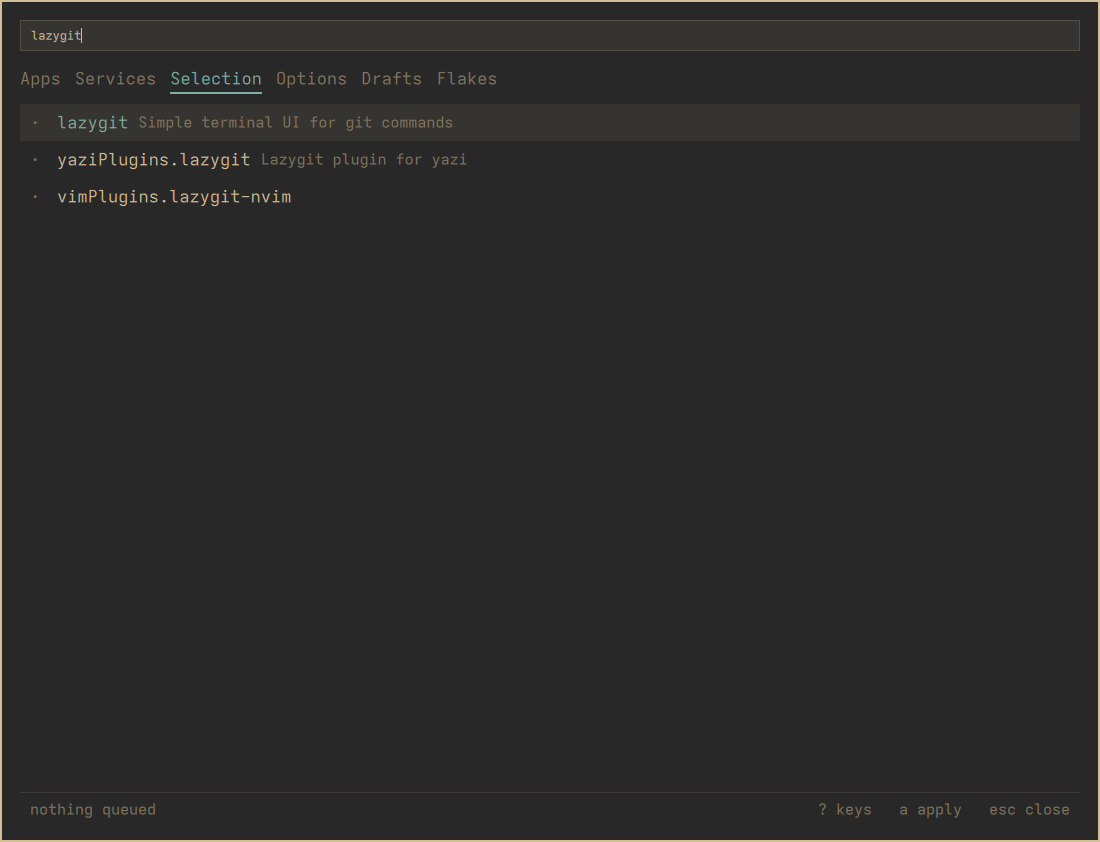
Results are ranked by where the query landed: exact name, then prefix, then
anywhere in the name, then the description. A plain substring match over a
hundred thousand packages buries the obvious answer — searching git should
not open on something whose description happens to mention it.
RETURN adds the row under the cursor. One line, in
~/.config/nixarchy/apps.nix, and nothing is built until you apply.
The flags
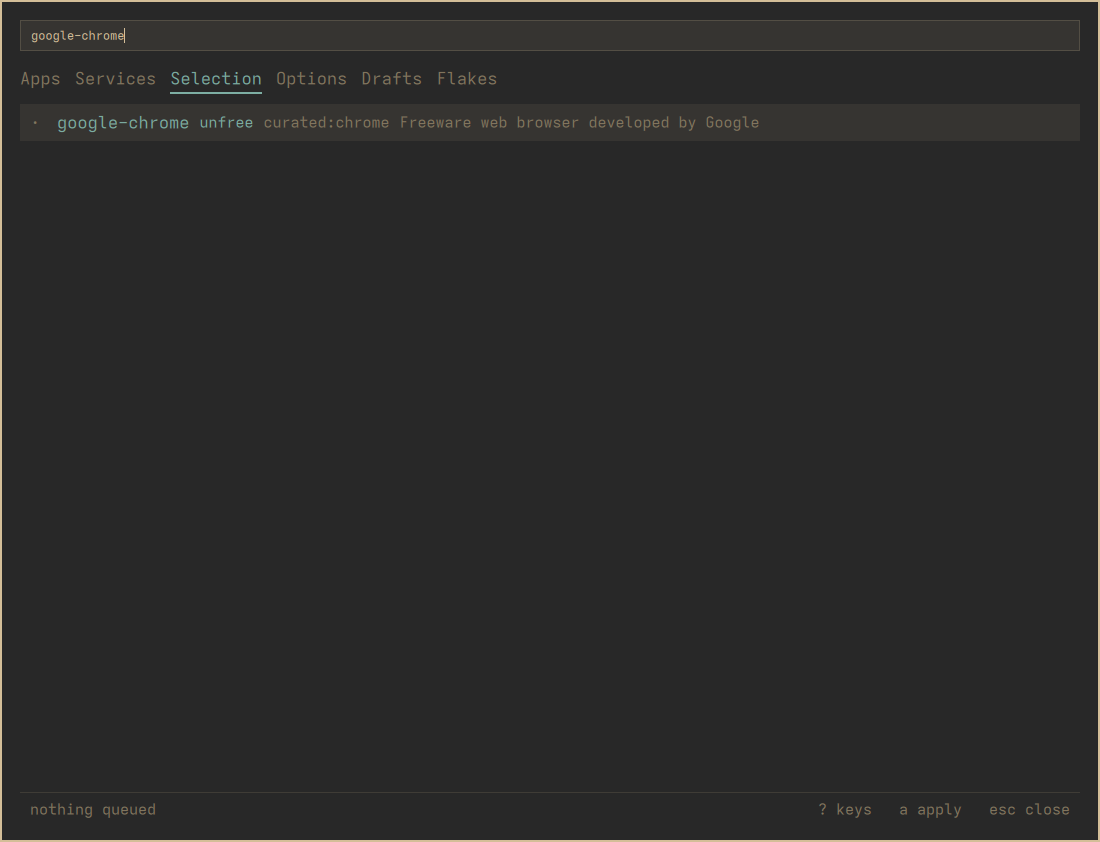
Three things a row can be marked with, all shown before anything is queued:
unfree — the package has a licence that is not free. Whether that
matters depends on your machine’s policy. If allowUnfree is on, which is
the default, it installs. If somebody deliberately turned it off, the writer
will add a commented allowUnfreePredicate naming just that package, for
you to uncomment — a narrow grant rather than advice to flip the global
switch. Read the message line after you add one.
broken — nixpkgs itself marks this as not building. You can still add
it. It will still not build.
curated: <name> — the app catalogue already covers this name. Worth
heeding: the app row gets you the NixOS module with its policies and
defaults, and the bare package gets you a binary. Same software, different
amount of it.
A flag you do not see is not a “no”
If the search index is stale, it carries no flags at all, and every
package reads as free. The panel says index stale — r to rebuild when
that is the case, and it means it. r rebuilds the index; it takes about a
minute.
Absence of a flag is absence of evidence, not evidence of absence.
The other channel
SHIFT+RETURN on a search row adds it from the channel your machine is
not on — the stable/unstable escape, per package.
This is a real decision rather than a preference. The two channels share
no store paths, even at the same version, so a package taken this way
brings its own entire closure. nixarchy doctor measures the cost: btop at
the same version is 0 shared paths and 51 MB duplicated; vlc is 1.5 GB.
So the key asks twice. The first press tells you which channel it would come from and what it will cost; the second does it. Anything else you press cancels.
It also tells you that unfree and broken are not known for that
channel, and that is exact rather than cautious: the flags on the row
describe the package on the channel you are on, which is a different build
of it. There is no evidence for the other one without fetching it, so the
panel says so rather than showing you a flag about the wrong thing.
Two things it will not do:
- It will not offer the channel you are already on. Asking for that is a second copy of a channel you have, sharing nothing with the first, and the writer refuses it outright.
- It will not move a package between channels. A package already in the selection counts as present whichever channel it came from, so re-adding does nothing. Remove it, then add it the other way.
Removing one
RETURN on a row that is already in the selection. The marked line is
deleted — exactly the line that was written, wherever you have since moved it
to in the file.
And see the top of this page: that removes it from the selection. If the package is also declared in your own configuration, it stays.