A menu for the thing NixOS is good at and awkward about: changing what is installed. Search nixpkgs, switch apps and services on, set options from a form, and rebuild when you are ready. What you get is a NixOS generation, so it rolls back.
Getting lazygit without opening an editor
I want lazygit. I don't know whether it's in nixpkgs, and I don't want to
open a .nix file to find out. Every screenshot below is the real
menu on a real laptop, driven from the keyboard.
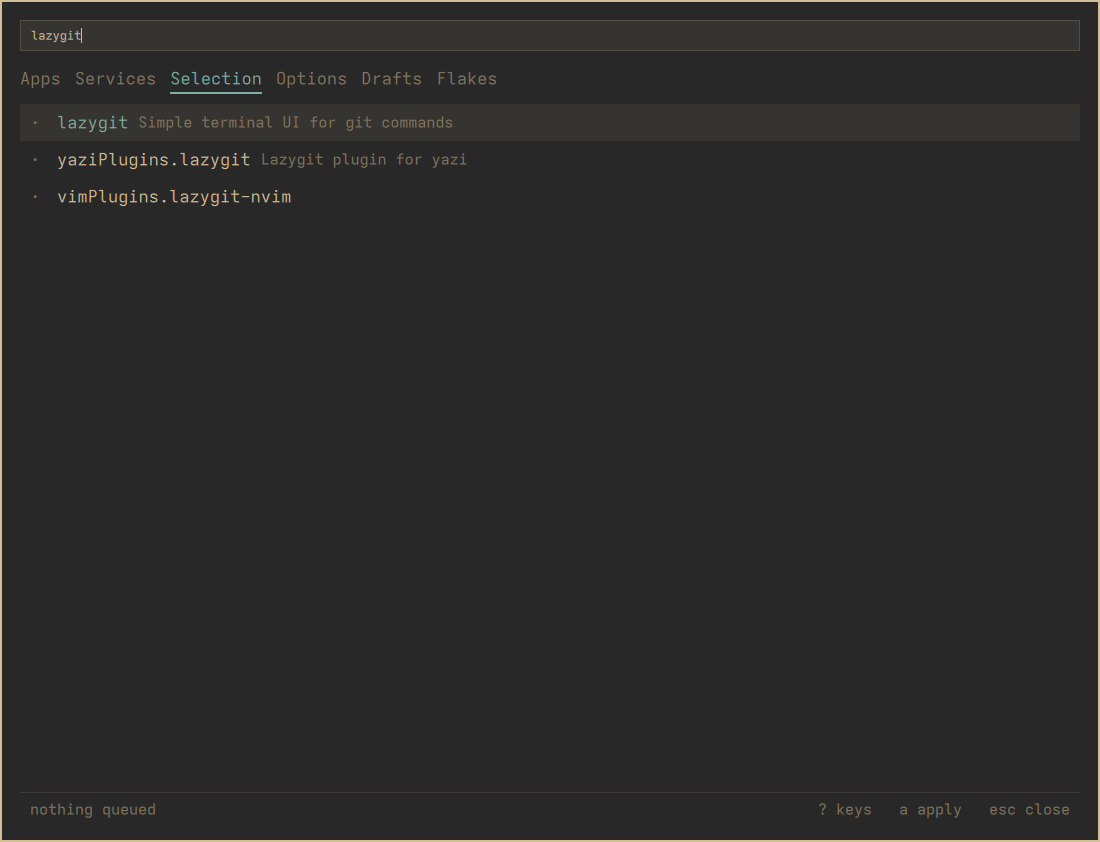
Search the whole of nixpkgs
SUPER ALT N opens the menu, / searches.
On Selection the search covers every package in nixpkgs, ranked so the
exact name comes first rather than buried under everything that happens
to contain it.
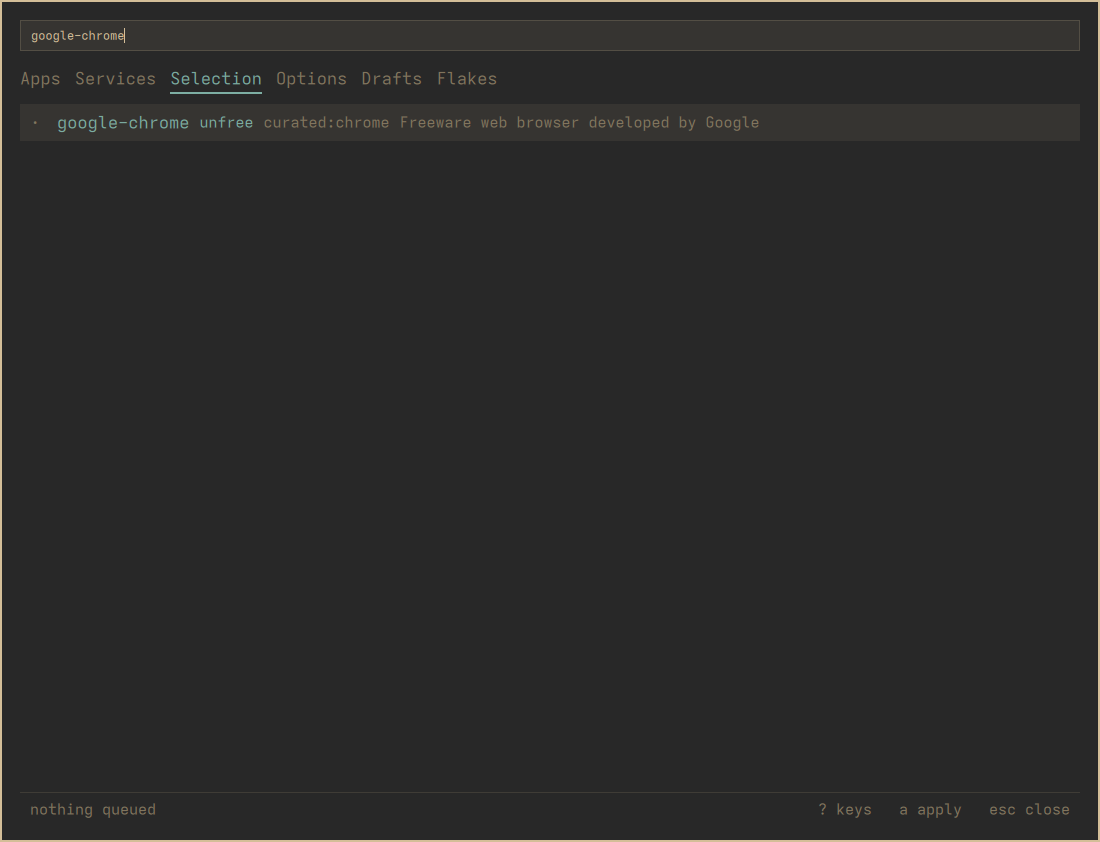
Flags before you commit to anything
A row says when a package is unfree, when nixpkgs marks
it broken, and when the curated app list already covers it.
RETURN adds it. Nothing is built yet: adding writes one
marked line in a file you own.
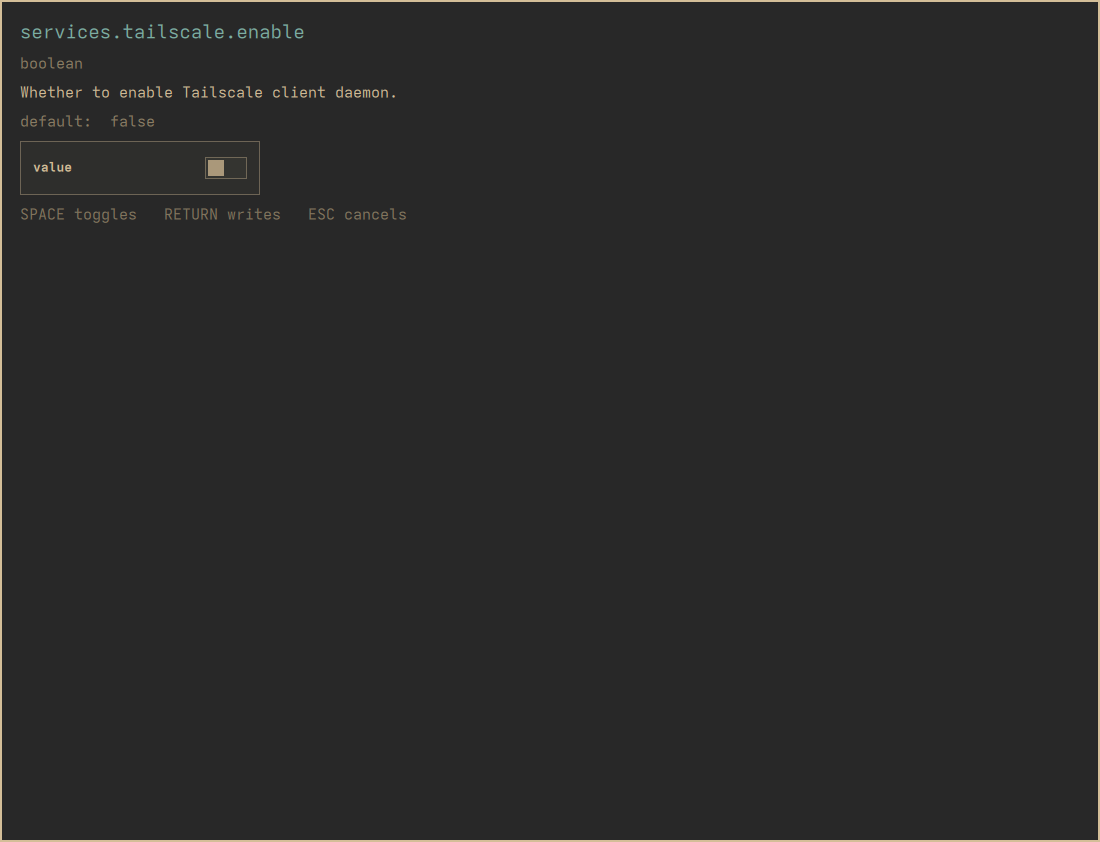
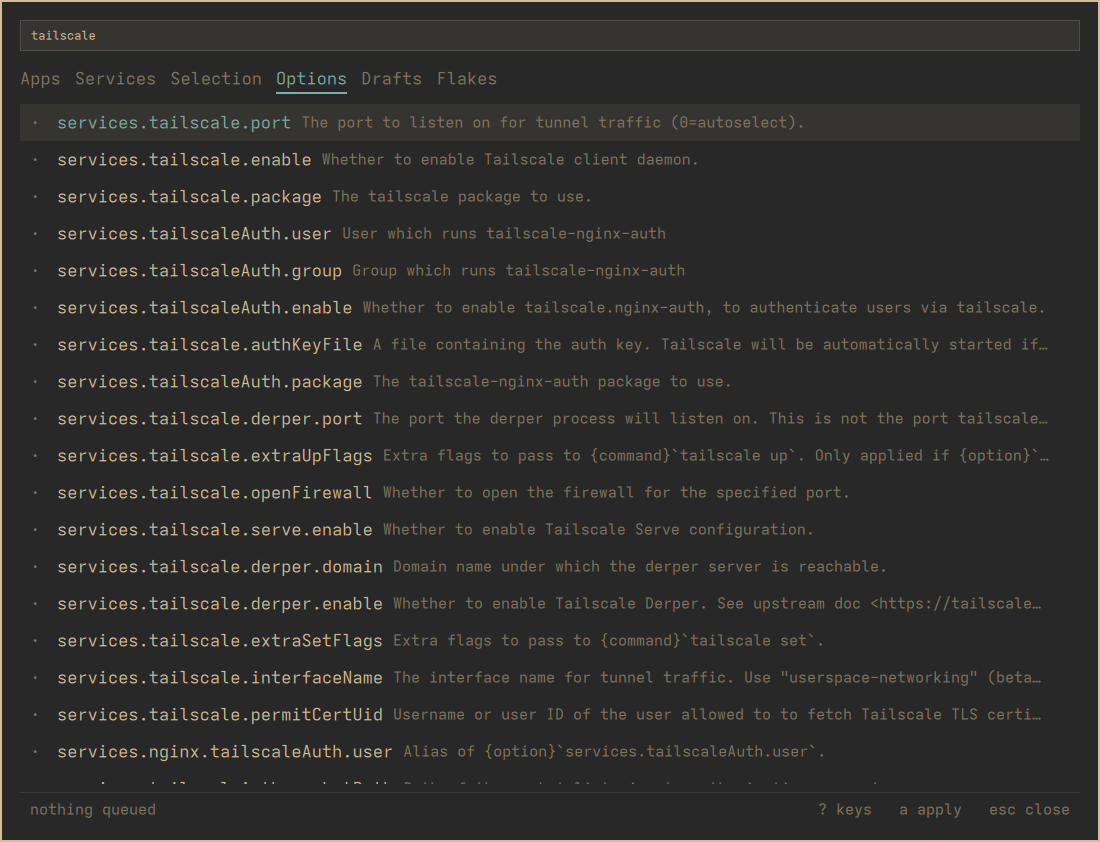
A form built from the option's type
The Options tab searches NixOS options. RETURN opens a form
made from the option's declared type: a toggle for a boolean, a list
editor for a list, its own example to edit when the type has no
one-word answer. An option you have already set opens on its value.
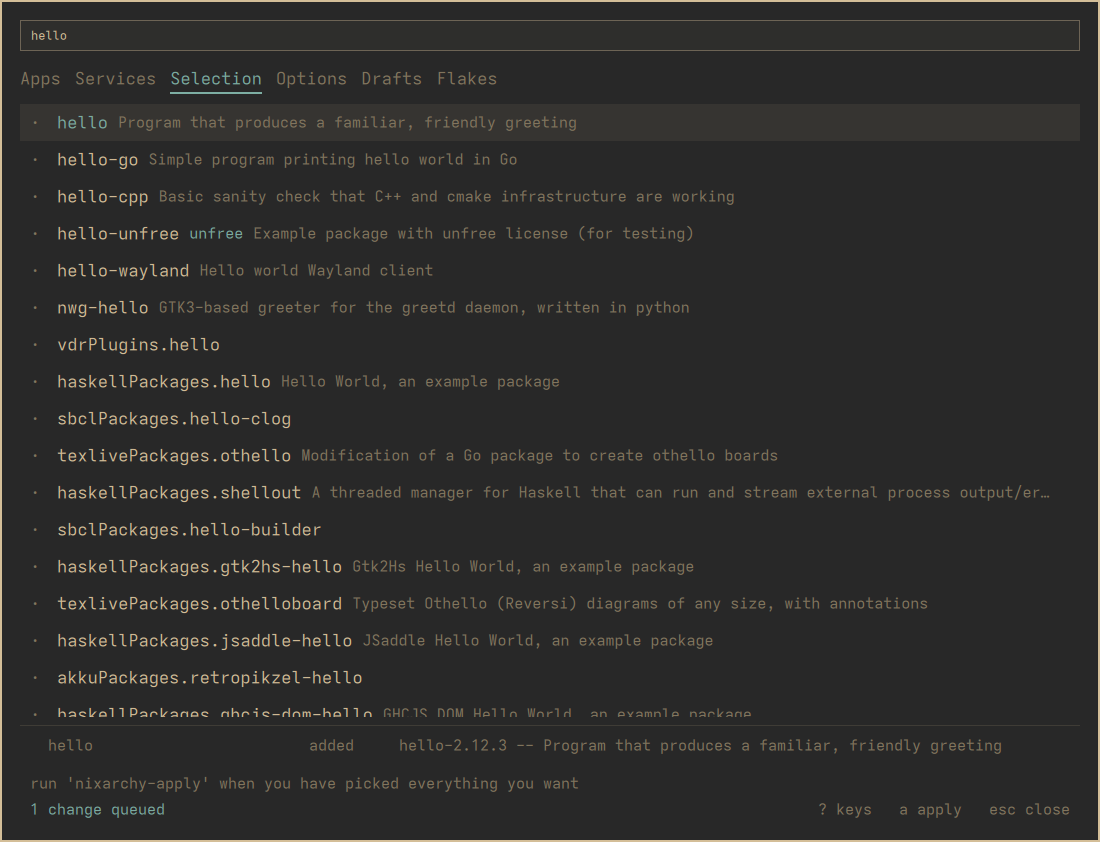
Queued, not installed
The footer and the bar count what differs between your selection and what the system was last built from. It's worked out from the files each time rather than remembered, so an edit you make by hand in an editor shows up here too.
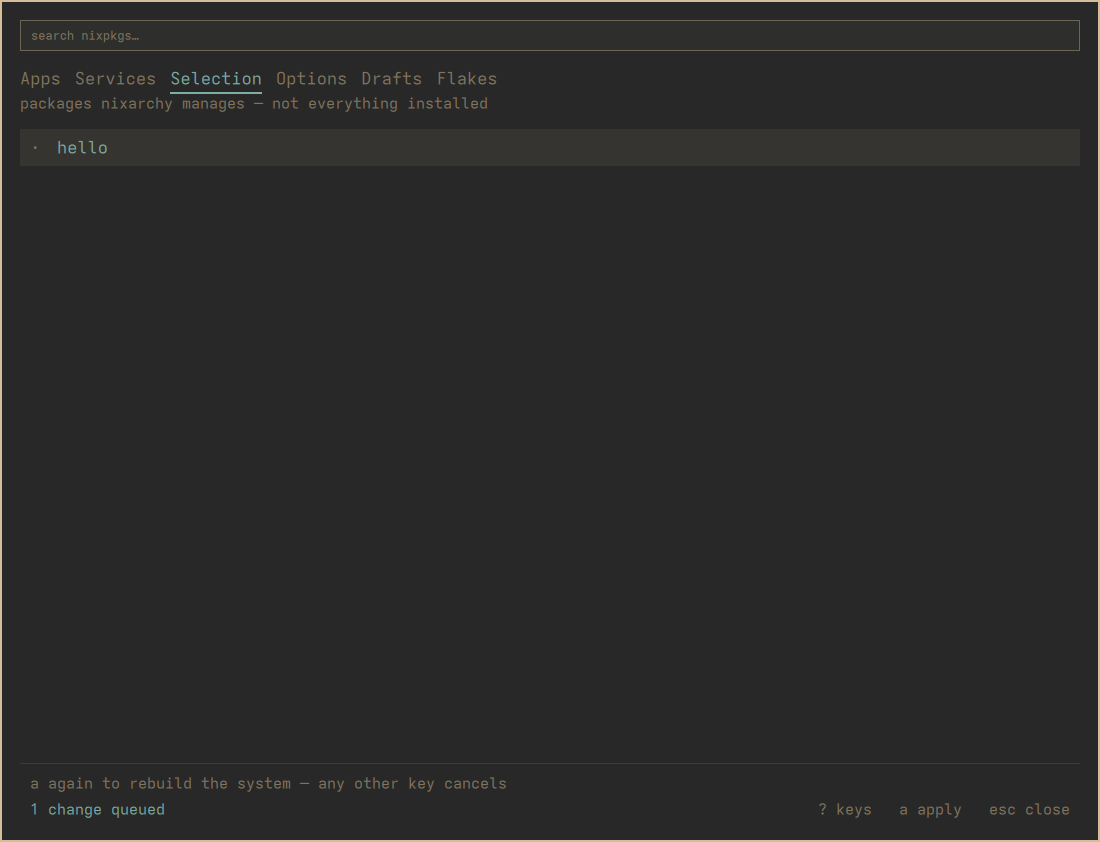
One key, then the same key again
a says what's about to happen and waits, because this
rebuilds the whole system. A second a starts it, and any
other key cancels. The build log streams into the menu as plain text,
and its last line is the result.
It's a generation
What comes out is an ordinary NixOS generation. If you don't like it,
boot the previous one or run nixarchy rollback. Nothing
here replaces NixOS's own safety net. More on
applying →
Everything else
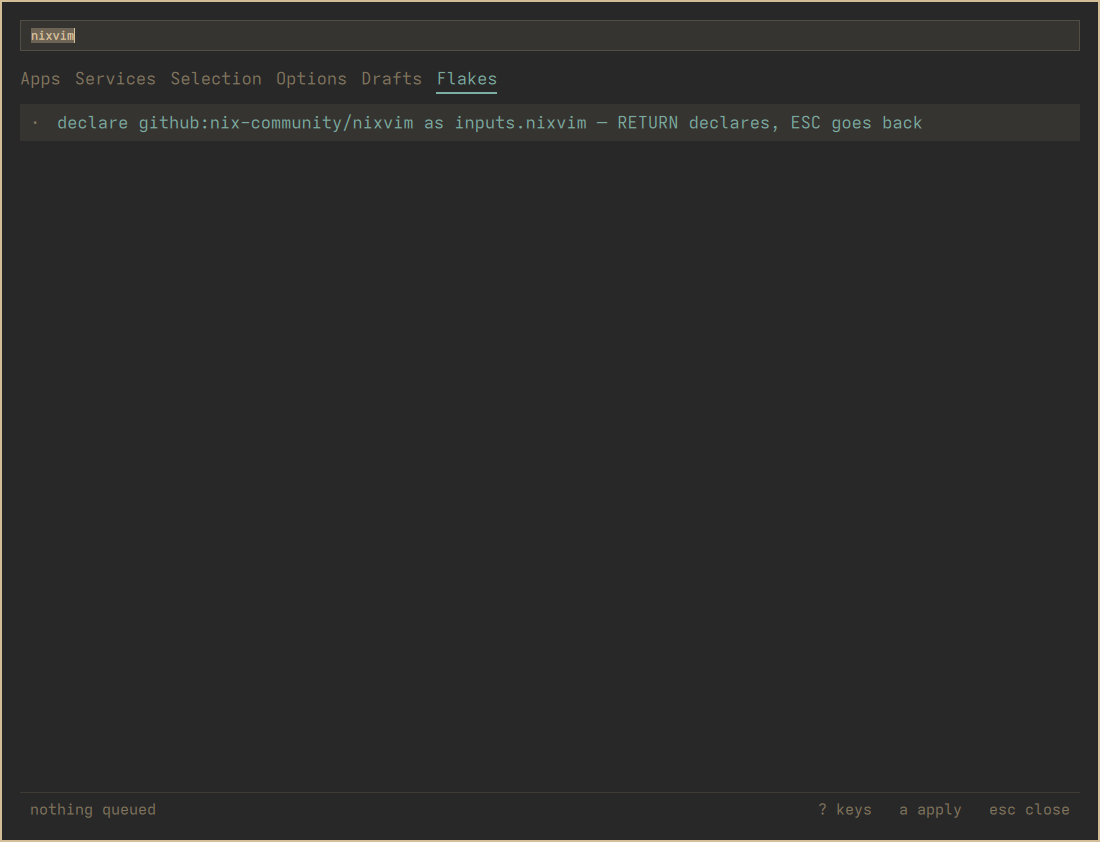
The rest of the menu, one tab at a time.
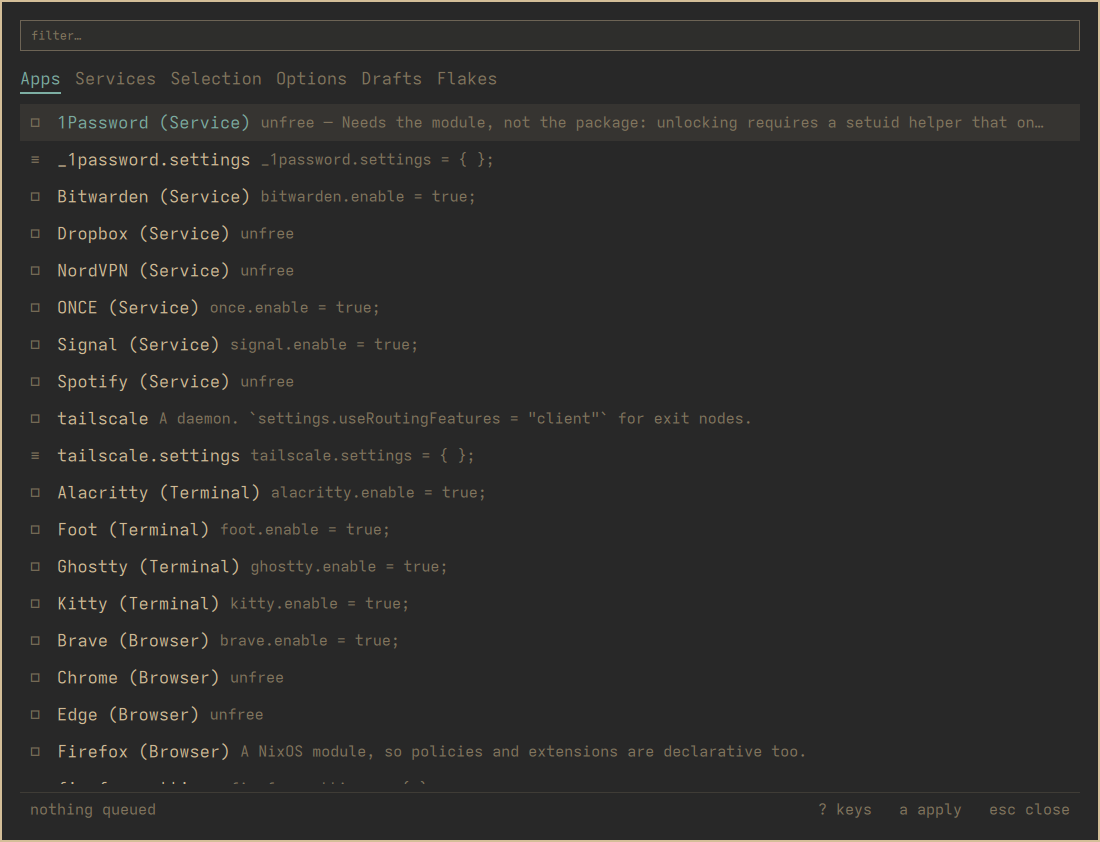
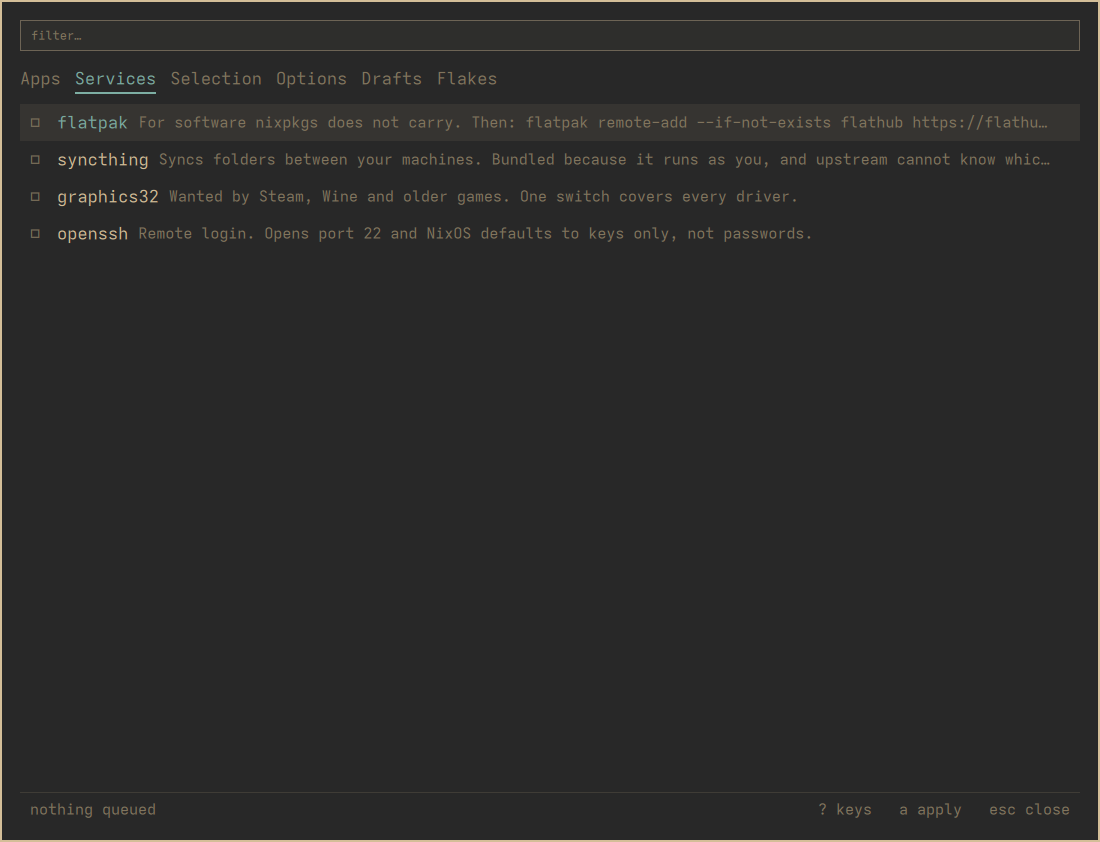
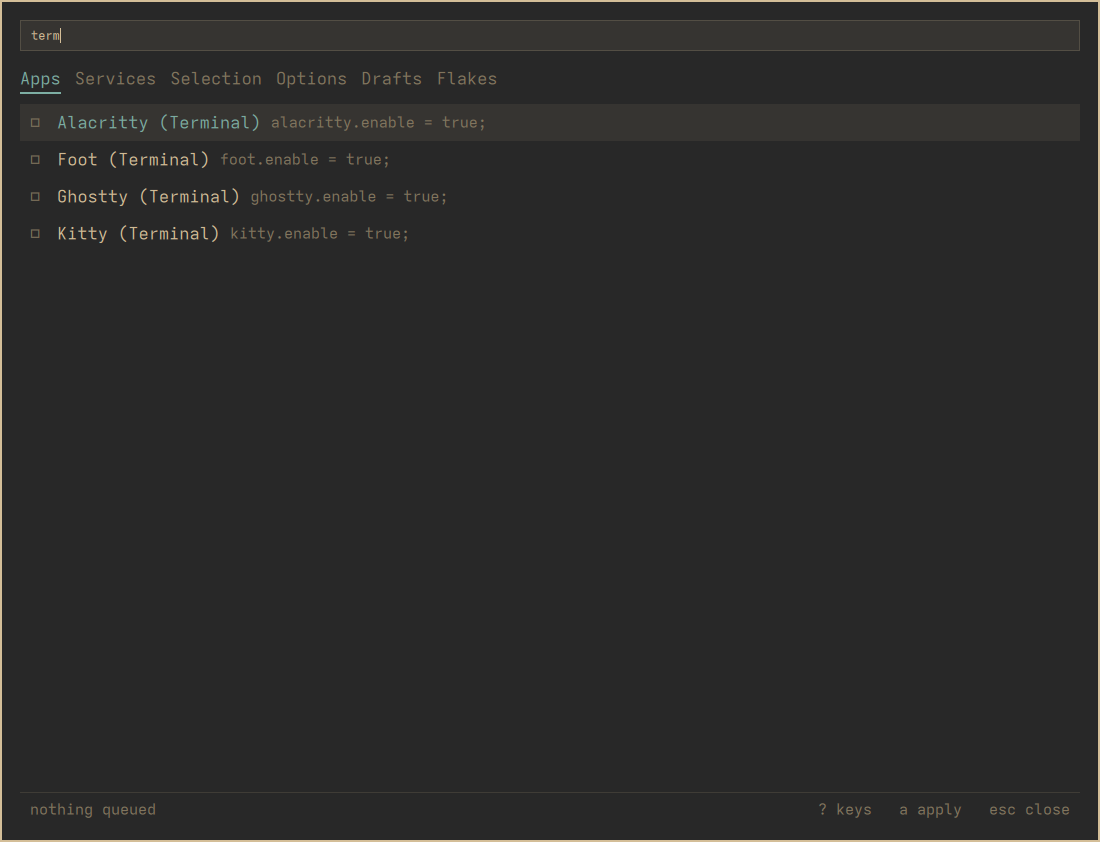
/ filters what's already listed.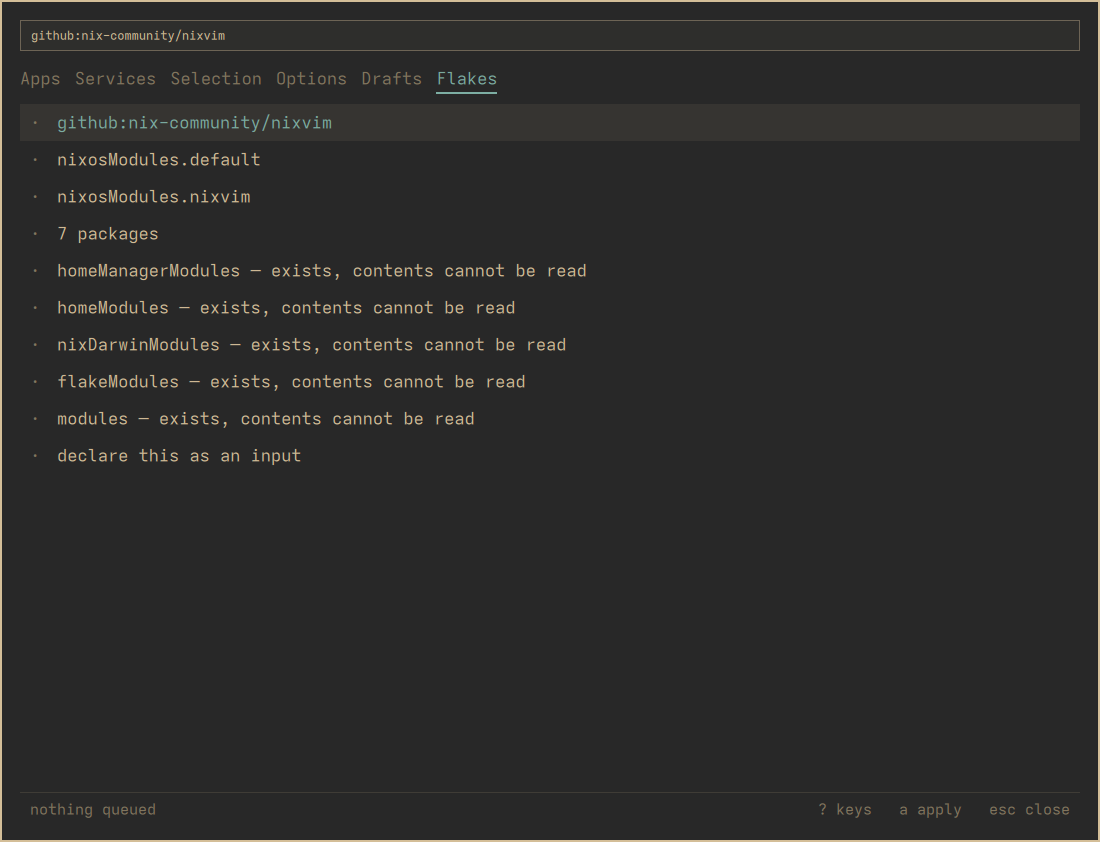
What it writes
It writes nothing you can’t read: every change is one marked line in a file you own, and every write goes through a script nixarchy already ships.
It manages a selection rather than your machine, which is the one thing worth knowing before you start: why that is, and what it buys you.