Usage — the just menu
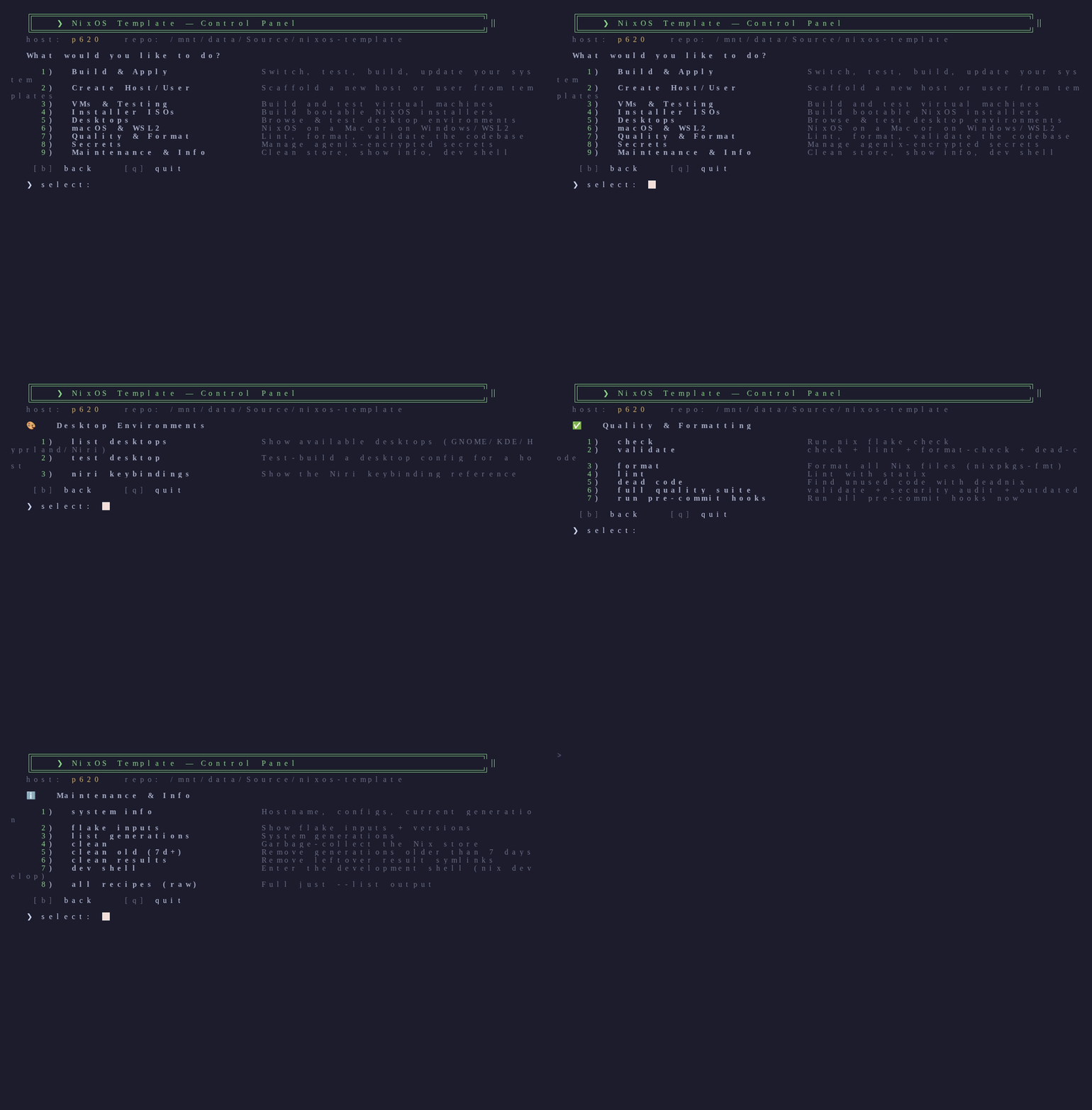
just opens a guided control panel: browse categories, read what each action
does, then pick it. It previews the exact command and asks to confirm before
running. Zero dependencies — pure bash, works in any shell.
Quick start
nix develop      # enter the dev shell (provides just)
just             # open the menu
How it works
- Numbered selection — type a number, press Enter.
- Every item has a description so you know what it does before picking it.
- Command preview + confirm — it prints
▶ just <command>and asks[Y/n]before running anything. bgoes back,qquits.- The hostname is auto-detected; actions that need arguments prompt with sensible defaults.
- Colors auto-disable when piped or when
NO_COLORis set.
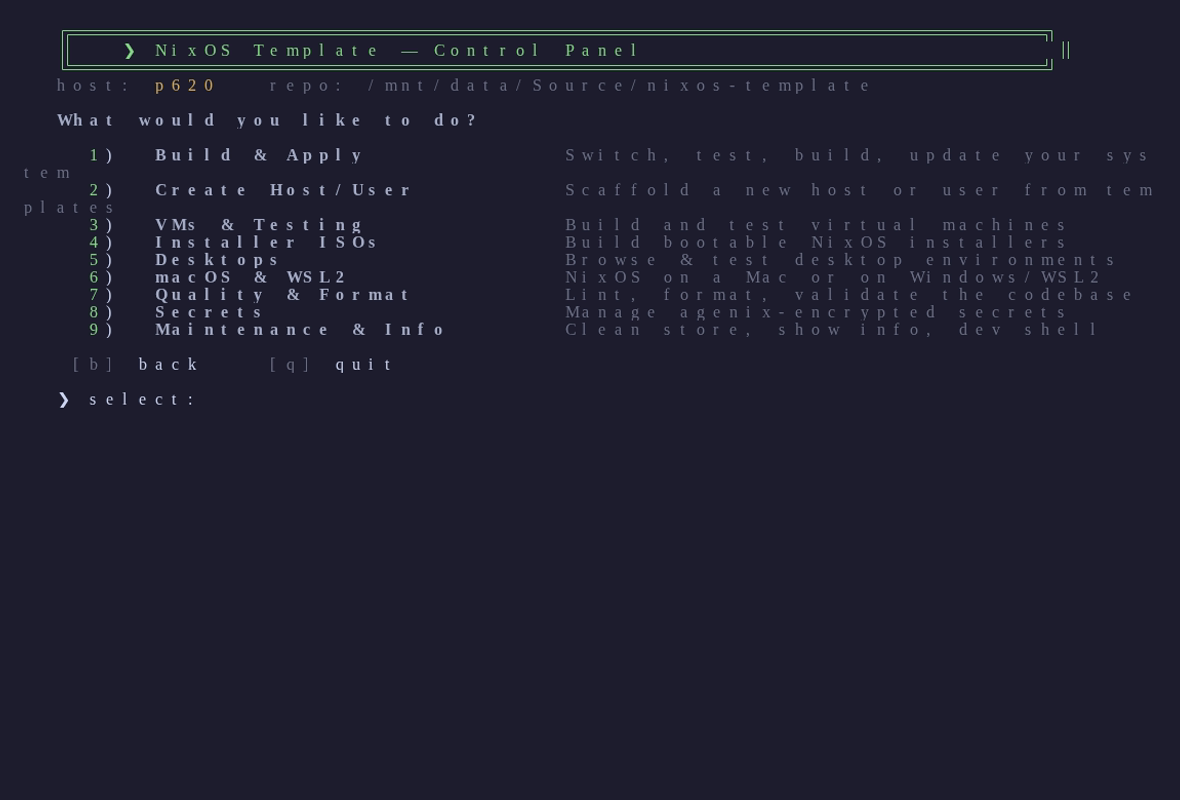
Every menu, at a glance
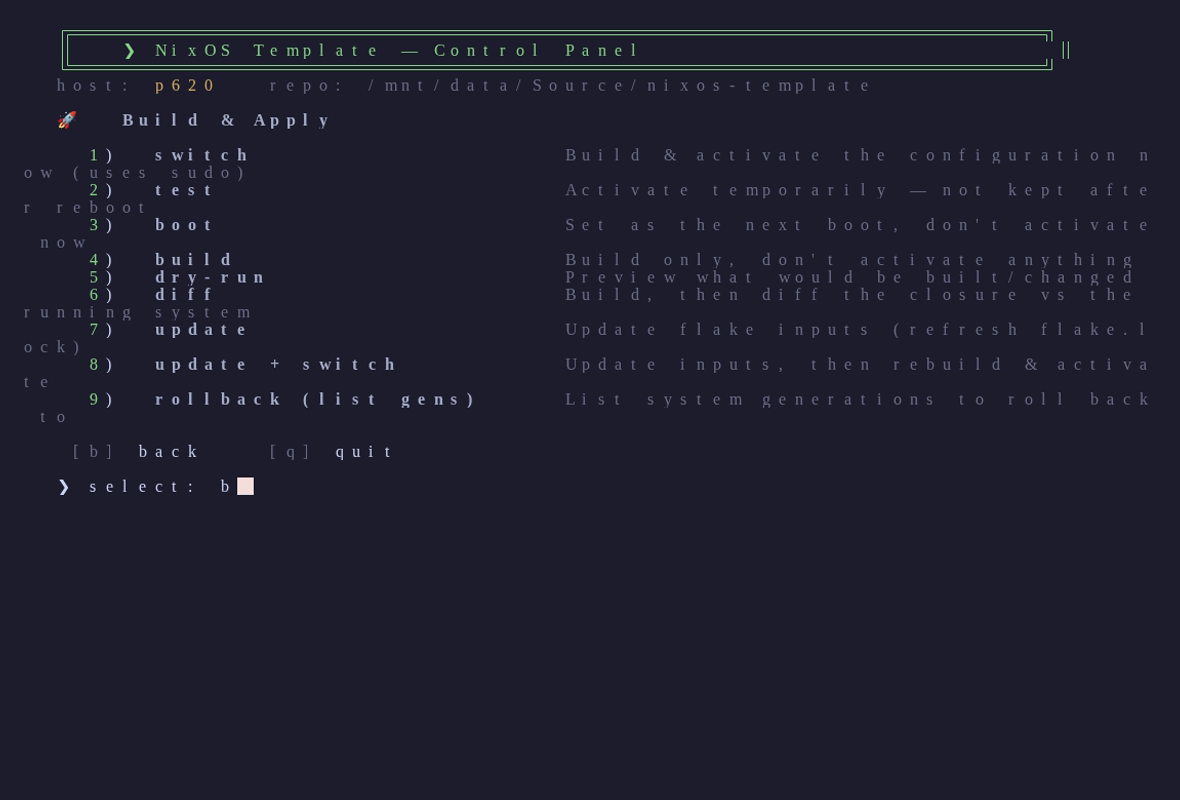
Build & Apply
Switch, test, boot, build, dry-run, diff, update, and roll back your system.
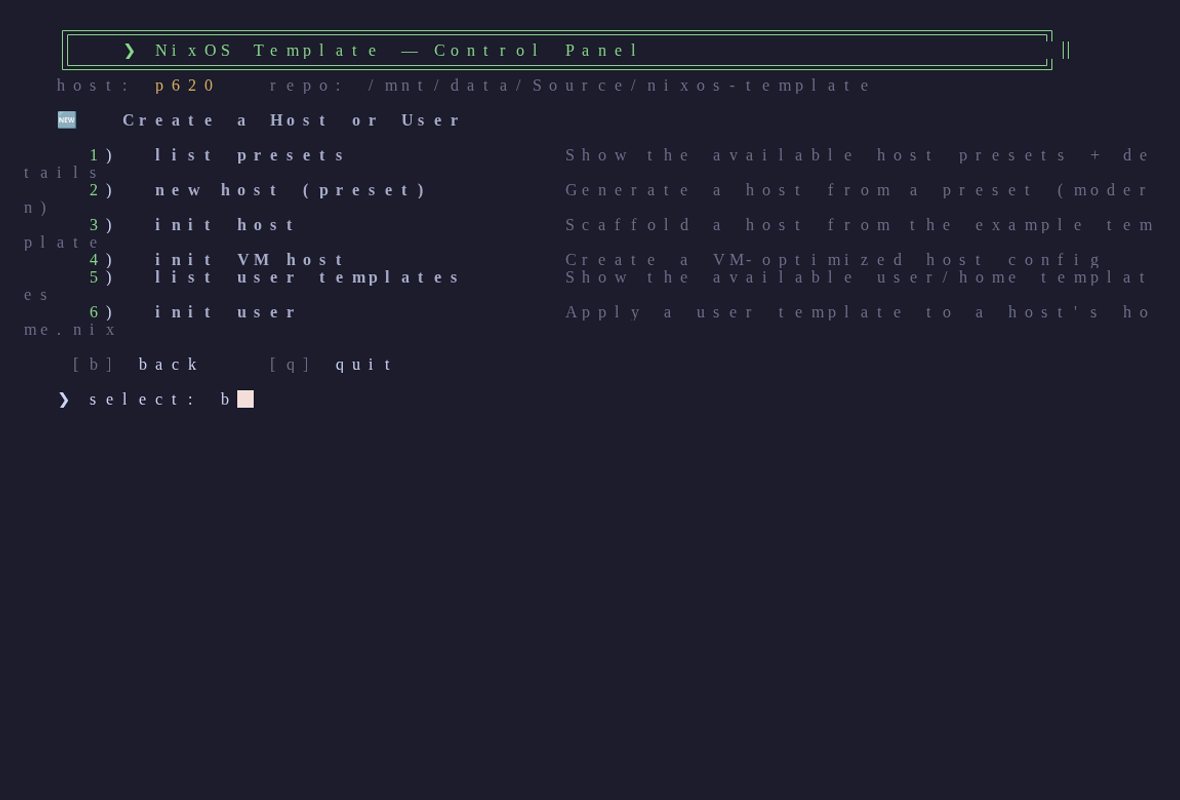
Create Host / User
Scaffold a new host from a preset or template, or apply a user/home template.
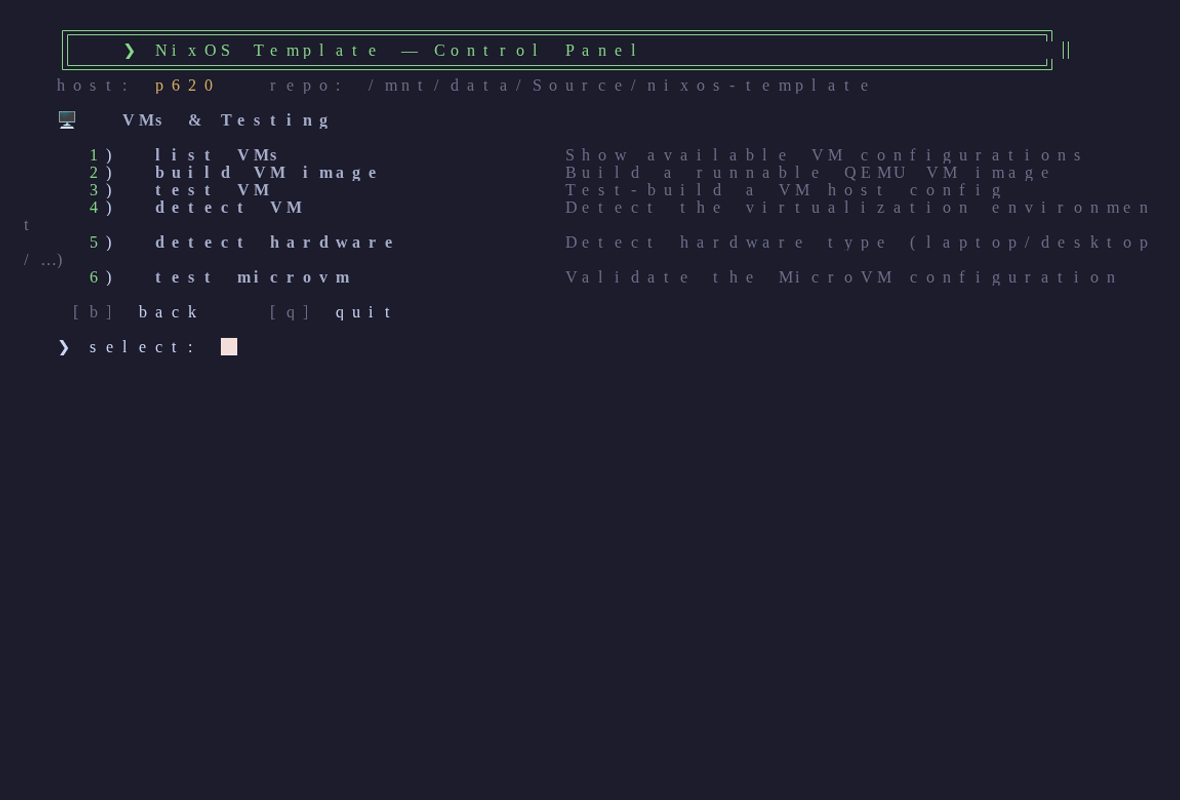
VMs & Testing
Build and run VM images, detect your VM/hardware, validate the MicroVM.
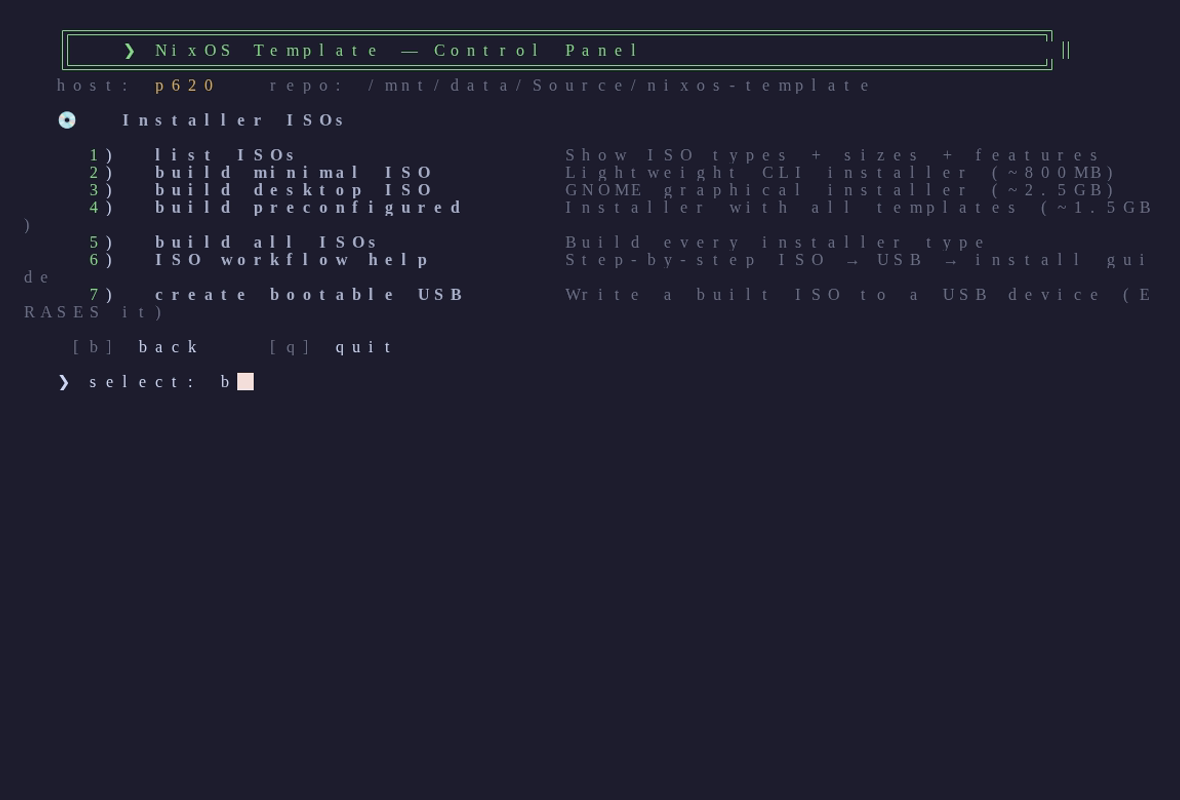
Installer ISOs
Build minimal / desktop / preconfigured installers and write a bootable USB.
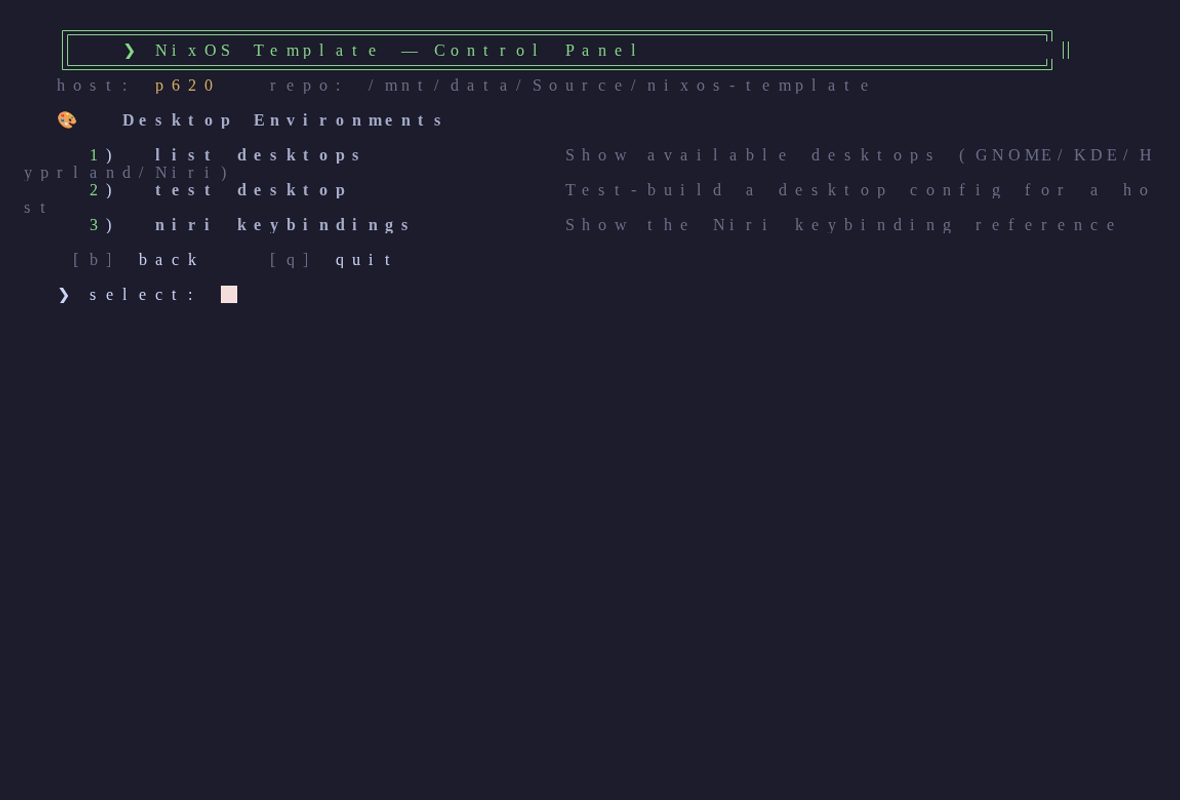
Desktops
Browse and test GNOME, Hyprland, and niri; show niri keybindings.
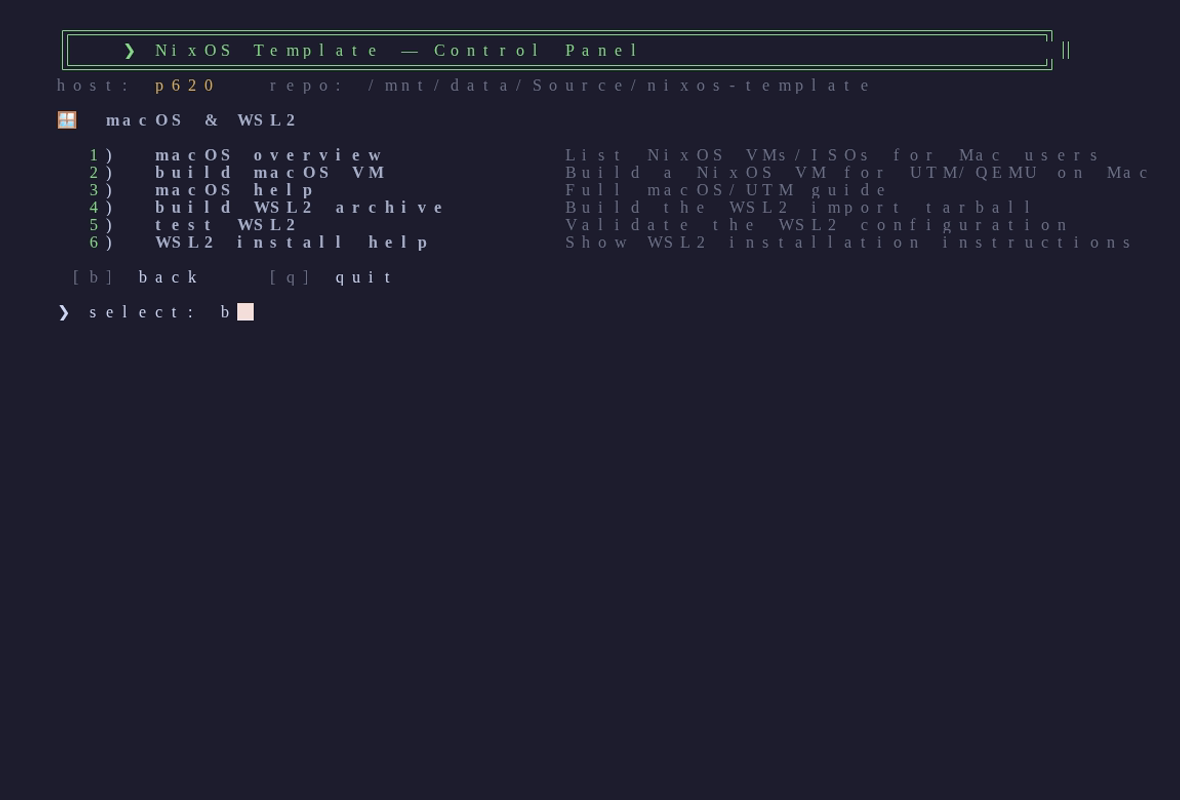
macOS & WSL2
NixOS VMs/ISOs for Mac (UTM/QEMU) and the WSL2 distribution for Windows.
Quality & Format
Check, validate, format, lint, find dead code, run the pre-commit hooks.
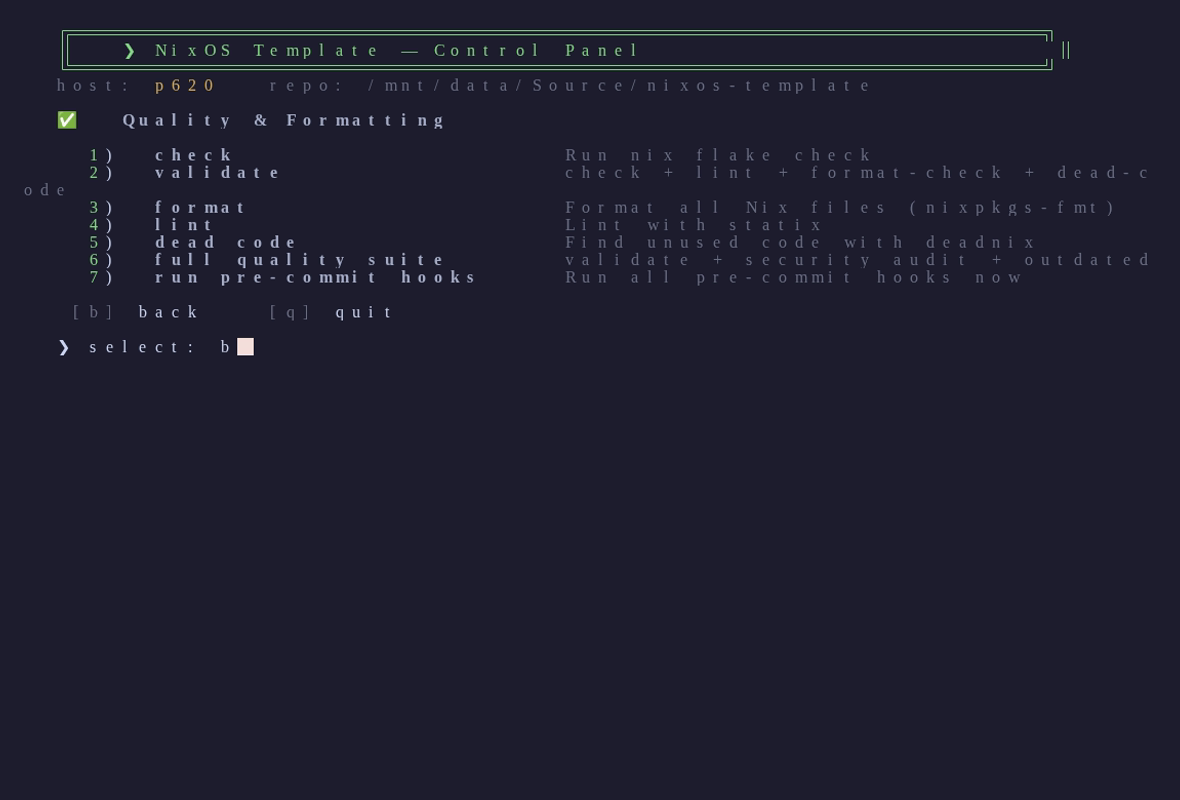
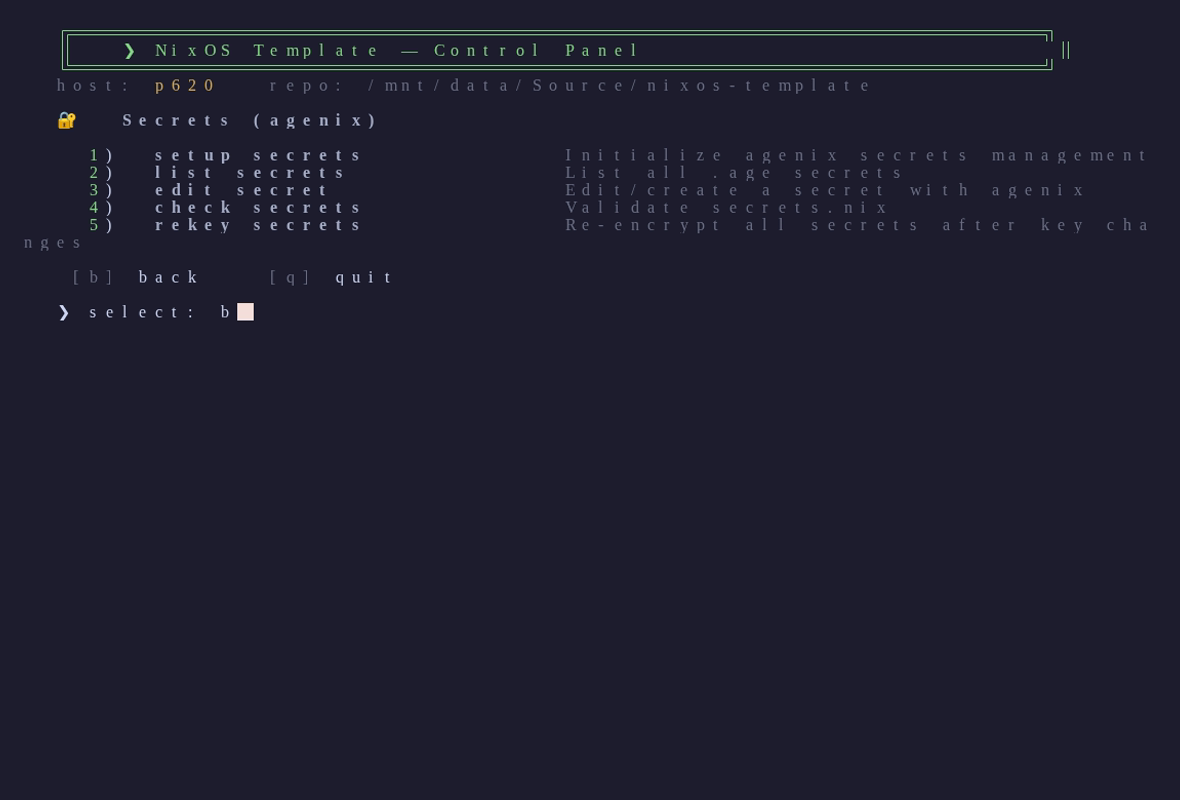
Secrets
Set up, list, edit, validate, and re-key agenix-encrypted secrets.
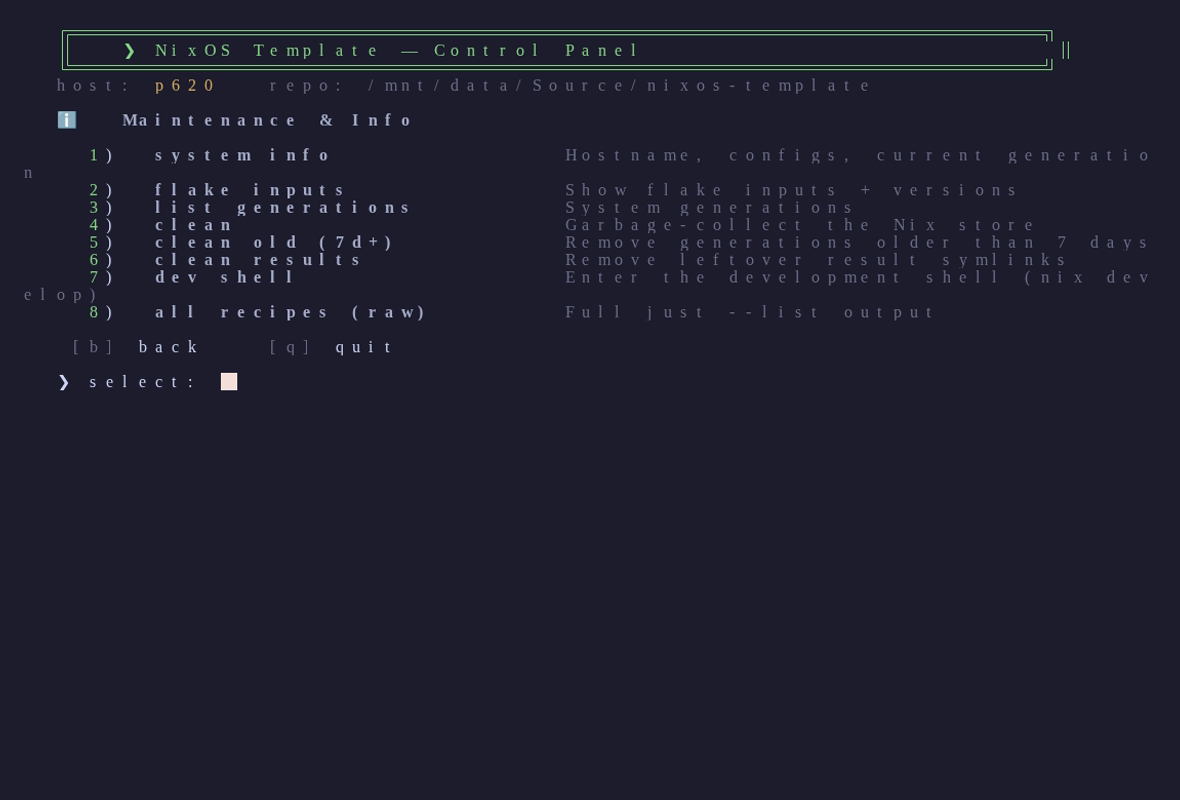
Maintenance & Info
System info, flake inputs, generations, store cleanup, and the dev shell.
Prefer the command line?
The menu is just a friendly front-end — everything is still a plain recipe:
just list                 # show every recipe (raw)
just switch               # build & activate this host
just build-iso-minimal    # run a recipe directly
just new-host my-pc workstation
Full reference: docs/MENU.md.