Speech becomes actions
Omarchy already turns speech into text — Voxtype, on F9. Oma is the other half: you say what you want done, and the desktop does it. A key or a wake word starts listening, whisper.cpp transcribes on this machine, your Claude subscription decides, and a local voice answers.
See it in action
Recorded on a real nixarchy laptop, every step for real; the requests are typed so the take can be repeated, and her replies are her own voice (Piper). The captions show what was asked.
you   "put my email on workspace three, then go there"
      → hypr_query(clients)                       looks for the window
      → hypr_dispatch window.move {"workspace": "3", "window": "address:0x55d4..."}
      → hypr_dispatch focus {"workspace": "3"}
it    "Moved HEY to workspace 3."
There is no phrase grammar to learn. On first run Oma reads your
machine — Hyprland's own dispatcher list, Omarchy's bindings and CLI, your
monitors, windows and installed apps — so what she is told matches your
Hyprland and your Omarchy, and stays right after an update. omarchy-voice
manifest prints exactly what she knows.
Things to say
"switch to workspace four" · "put this on the left monitor" · "float this and centre it" · "open my email and put it beside the browser" · "switch to a dark theme"
"how much disk space have I got left?" · "what's making the fan spin?" · "how long has this machine been up?" · "wait for the build to finish, then tell me if it passed"
A command she runs is pasted into her own terminal session — never typed into yours — and its exit status comes back with it, so a failed build is reported as a failure, not as "done".
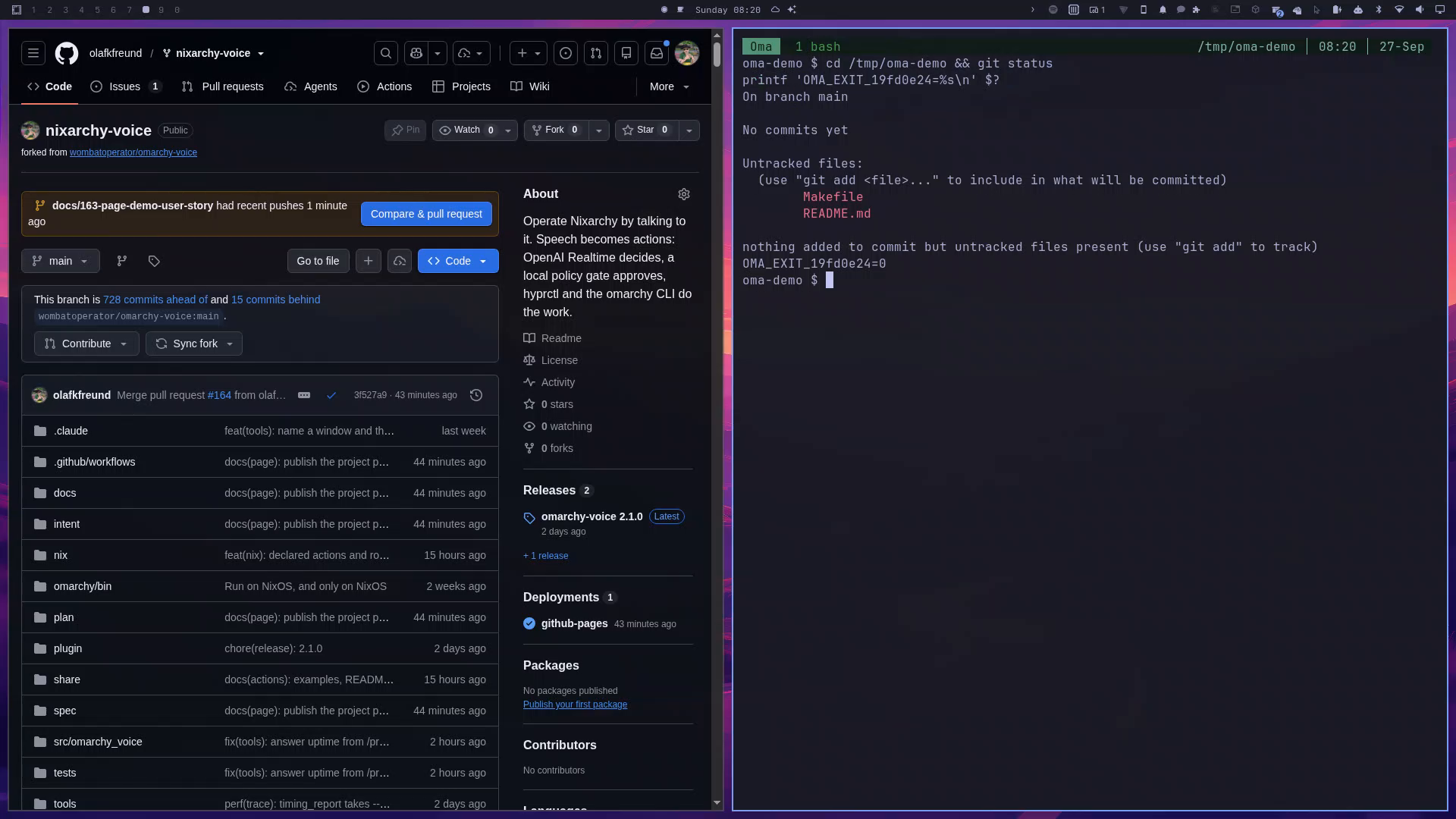
Actions and routines
An action is a named recipe you can run again: say
"run dev setup", pick it from Voice ▸ Actions in the
Omarchy menu, or run omarchy-voice action run dev-setup. A
routine is an action on a schedule. The easiest way to make one
is to do the thing by voice, then say "make that an action called dev
setup": she reads the recipe back, and saves it when you confirm.
description = "Open my development workspace"
phrases = ["dev setup", "start work"]

[[step]]                         # one of Oma's tools, fixed arguments
tool = "hypr_dispatch"
args = { dispatcher = "focus", args = { workspace = "4" } }

[[step]]                         # plain words, done by the model
ask = "Tell me what merged and what failed overnight."

[schedule]                       # makes it a routine
when = "Mon..Fri 08:00"          # or "login", or "every 2h"
enabled = true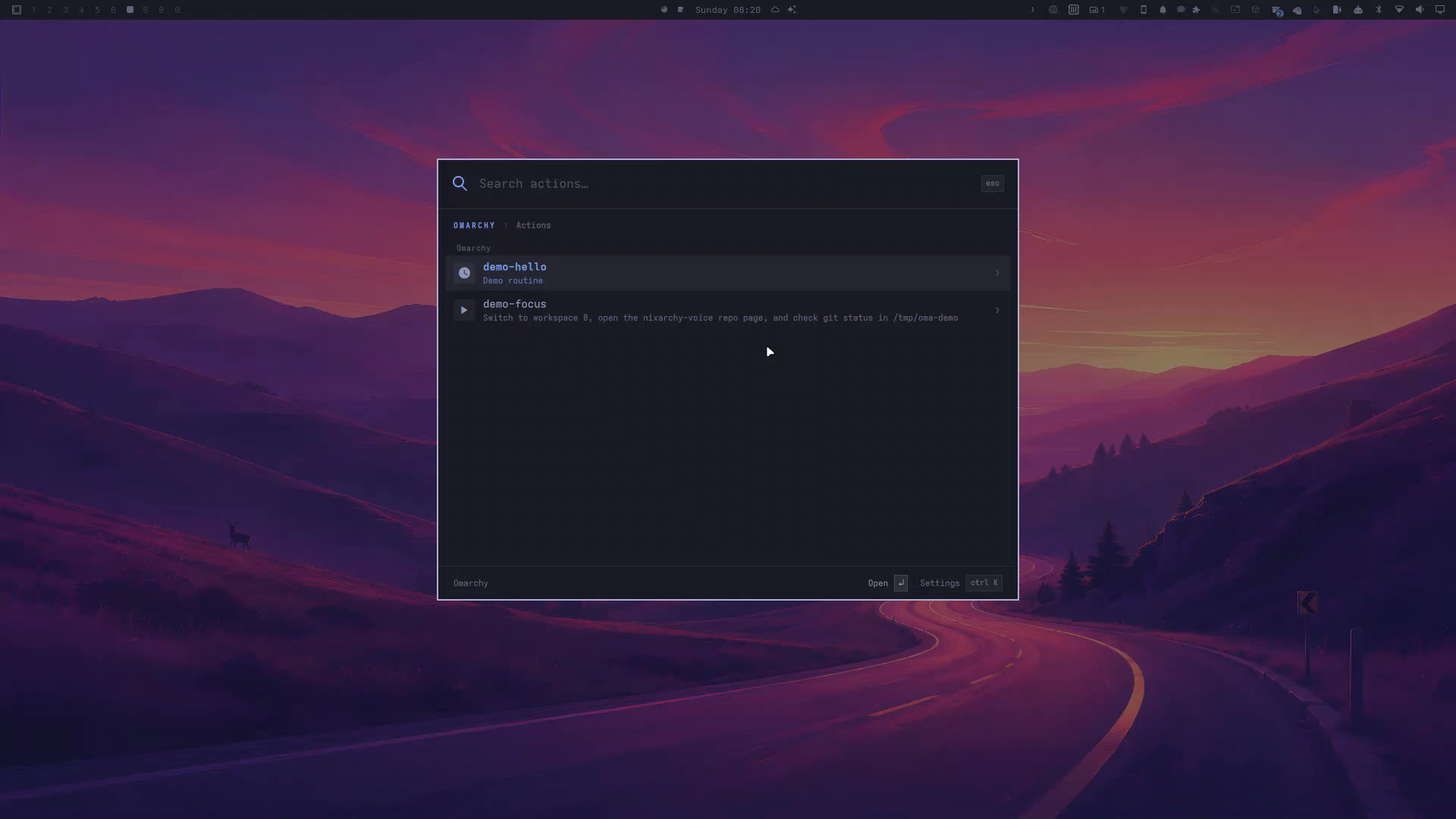
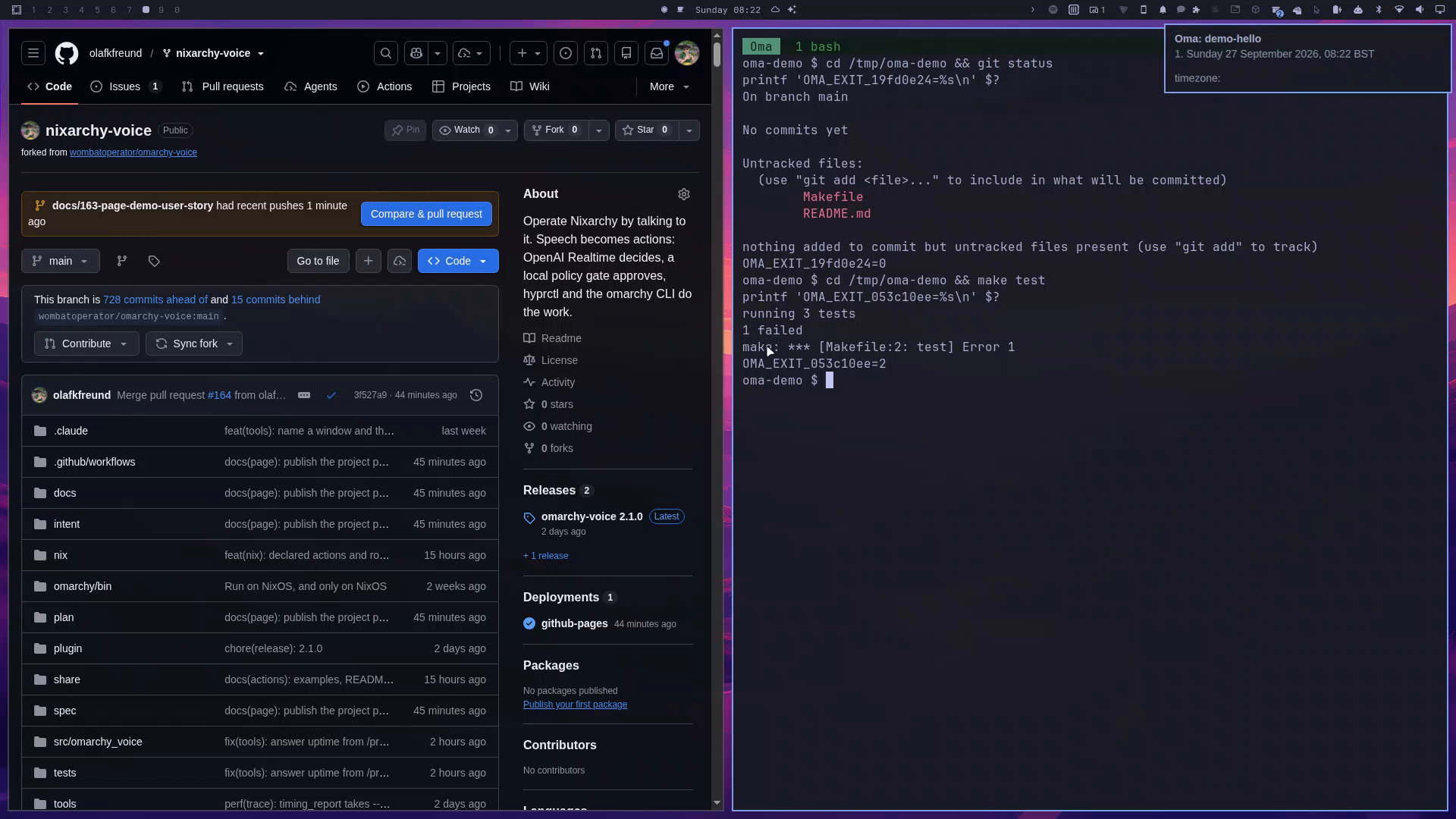
Each is one file in ~/.config/omarchy-voice/actions/. Routines
are systemd user timers, so they run with the voice daemon off; the result
arrives as a notification, and is said aloud if Oma is listening.
Nothing new is allowed. Every step goes through the same policy gate as a spoken request. A step that asks for confirmation can be approved once, for good — and changing the step withdraws that approval.
Set it up
- Install. On nixarchy, open Install ▸ Search,
find Voice and apply — or set
programs.nixarchy.voice.enable = true. Anywhere else, add the flake's Home Manager module:imports = [ inputs.nixarchy-voice.homeModules.default ]; programs.omarchy-voice.enable = true; - Sign in. Oma thinks with Claude Code on your plan, so
claudemust be logged in once. whisper.cpp and the Piper voice run locally; an ElevenLabs key is optional, for a nicer voice. - The key.
SUPER + SHIFT + Vtoggles listening — load it from your ownbindings.luawithpcall(require, "hypr.voice-binds")— or use the bar widget. Listening starts off, and switches itself off after ten minutes of silence. - Say something. "switch to workspace two", "what time is it?", "open a terminal".
- Your first action. Do something by voice, then say
"make that an action called …". Or pick Voice ▸ New
action…, or start from an example:
omarchy-voice action new dev-setup --from dev-setup. - Your first routine.
omarchy-voice action new morning-repo --from morning-repo, thenomarchy-voice action enable morning-repo: every weekday at 08:00, what happened in your repositories overnight. - When something does not work.
omarchy-voice
doctor
checks every moving part;omarchy-voice logshows what she heard and did.
What it costs
The audio never reaches a metered API: whisper.cpp runs on your machine and the thinking draws on your Claude subscription. What is metered is ElevenLabs, per character, if you turn it on. On disk it is about 7.2 GiB, most of it the whisper and Piper models. An open microphone closes itself after ten minutes of silence.
What it will not do
- Anything a deny rule blocks. No approval changes that.
- Anything risky without your yes. Reboots, removals and commands are held until you confirm — out loud, or with the confirm key.
- Run arbitrary shell unless you turn
allow_shellon. - Read the screen while it is being recorded, or read a password manager or a secret in a terminal.
- Drive your real mouse and keyboard unless you turn on desktop control — and even then, ai-mirror asks you first.
A fork of omarchy-voice by Britain Eriksen, ported to NixOS. MIT licensed. The look is nixarchy's.