Some software is only current as a Flatpak or a Snap. Paste the link, see what the app can reach, queue it, and apply. It ends up in your NixOS configuration, not in a terminal’s scrollback.
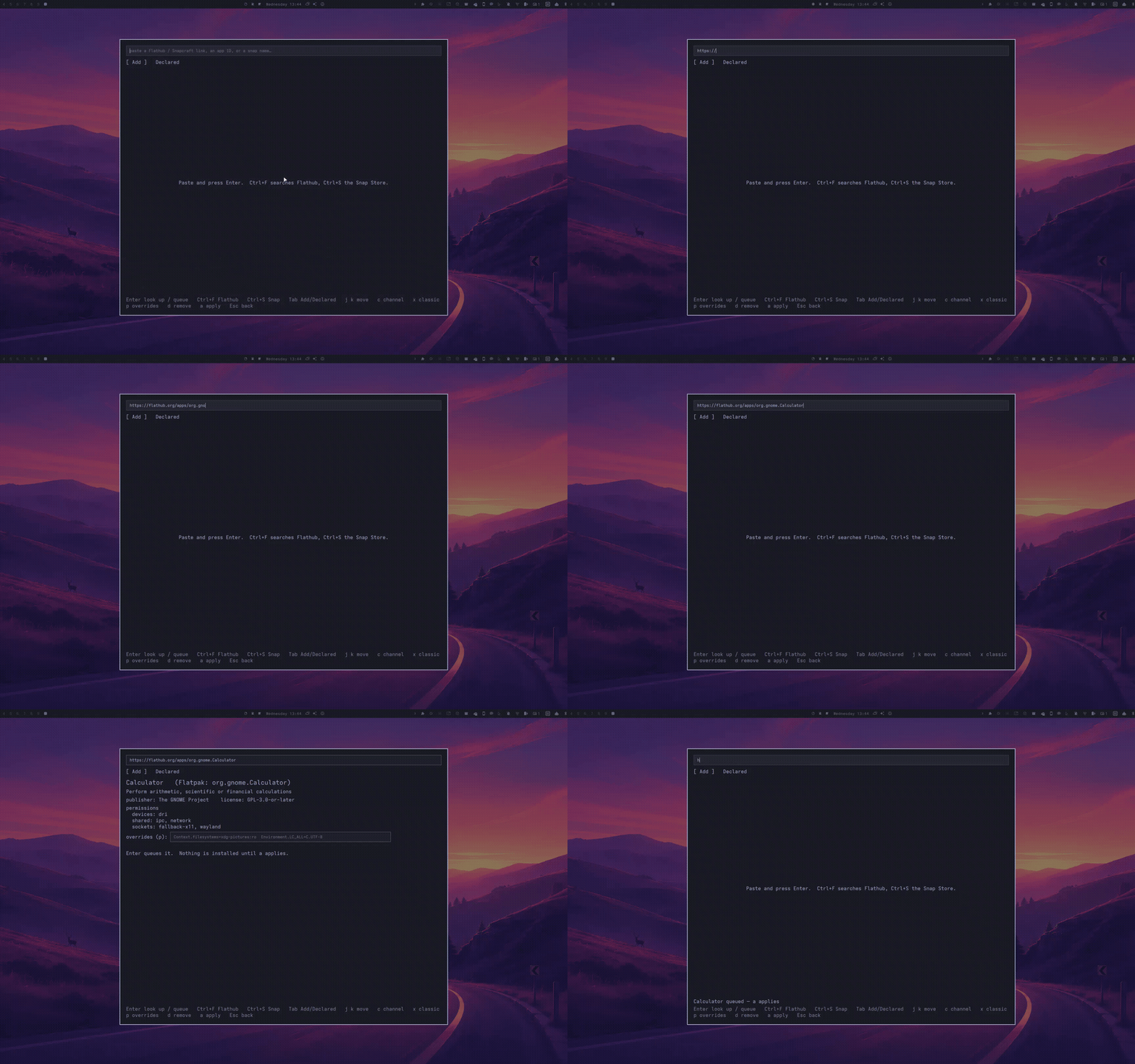
From a link to an installed app
Open the Omarchy menu, then Install → Flatpak & Snap. Everything after that is keyboard.
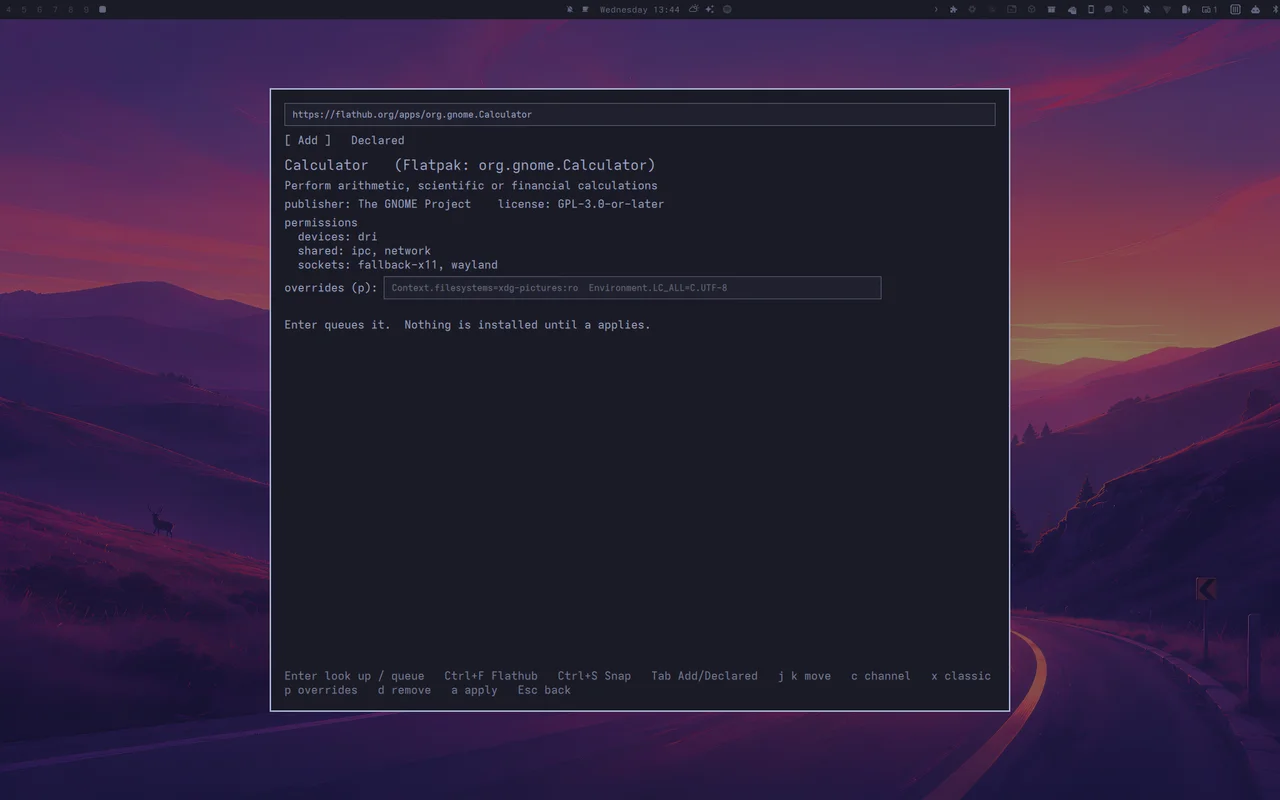
Whatever you have in hand
A Flathub or Snapcraft page, a .flatpakref, an app ID like
com.spotify.Client, a bare name like spotify,
or the flatpak install … / snap install … line
from a project's README. That last one is read, and never run. No link?
Ctrl+F searches Flathub, Ctrl+S the Snap Store.
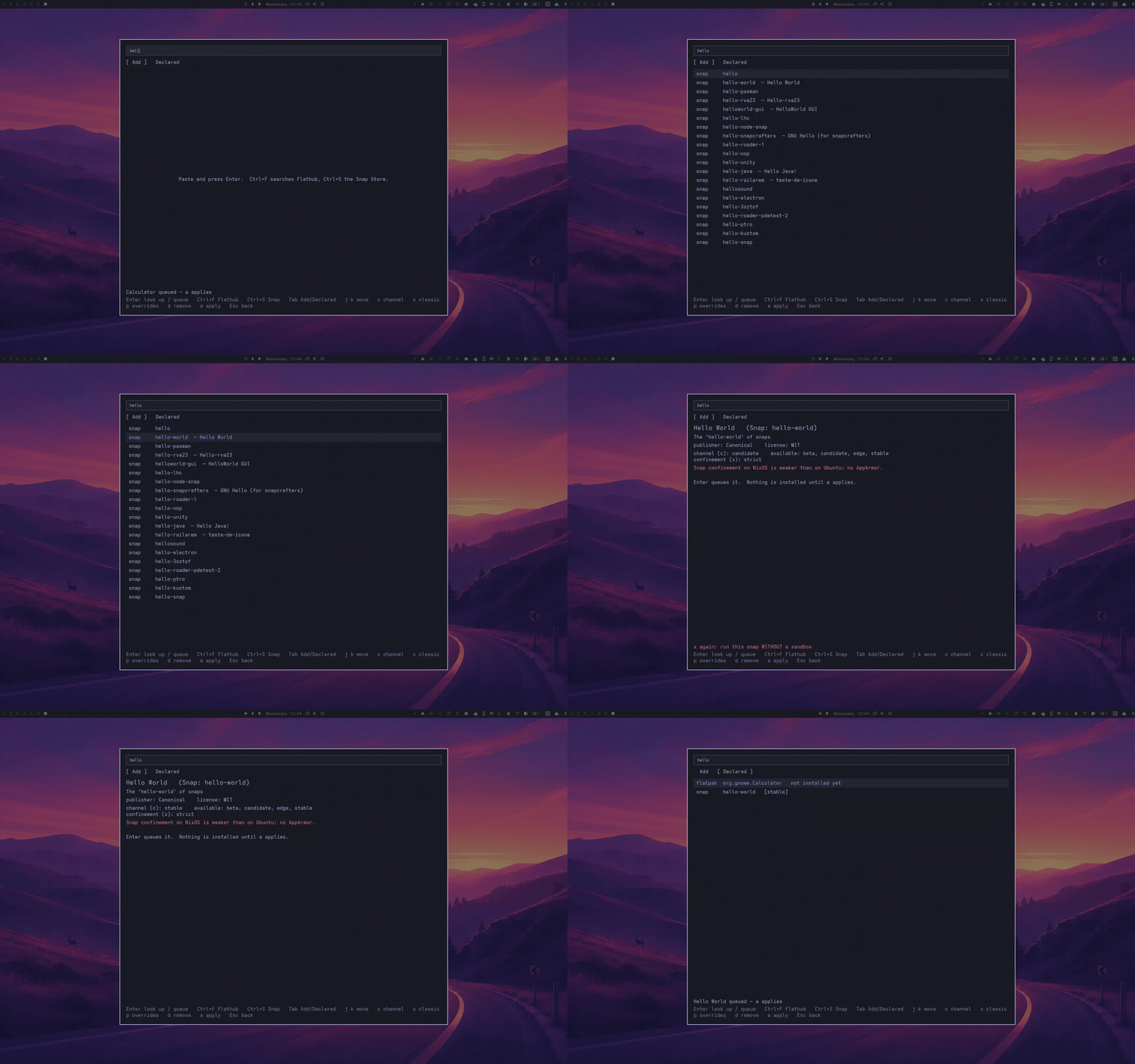
Before anything is queued
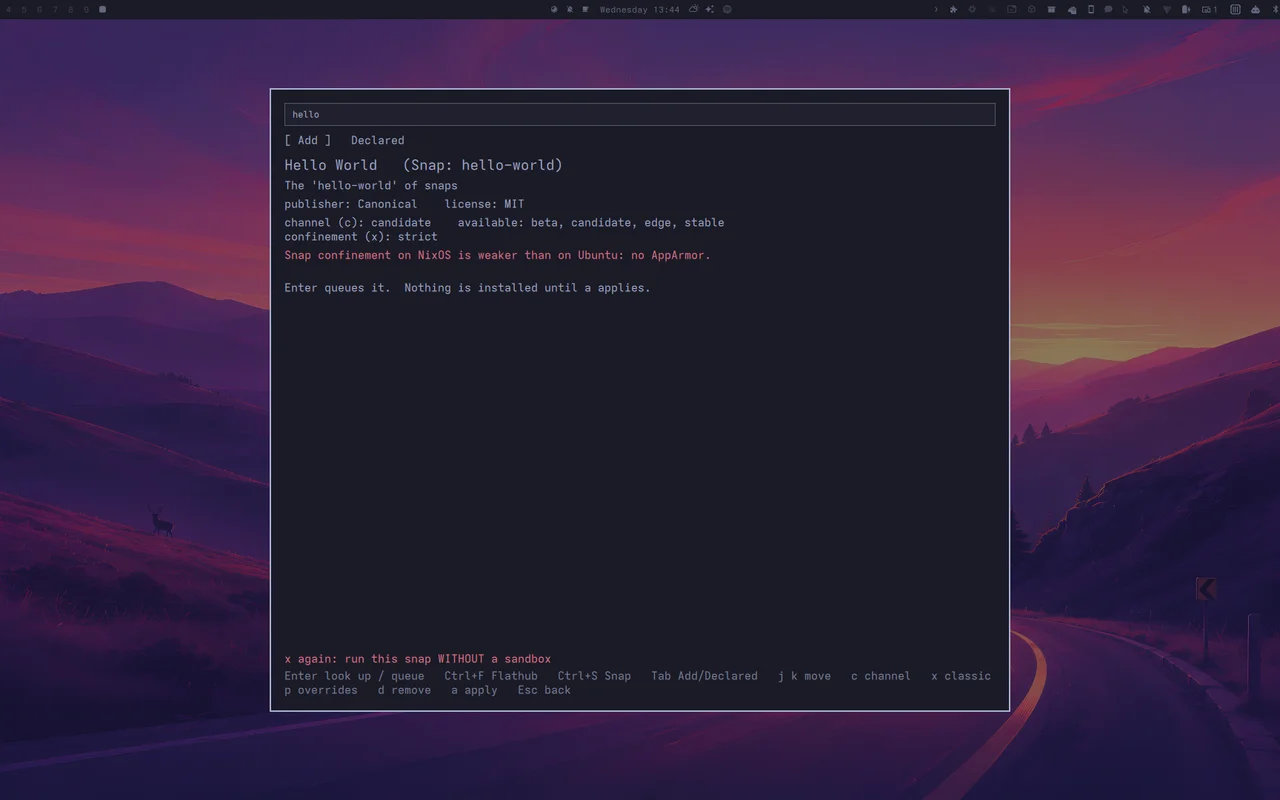
The card shows the publisher and license. For a Flatpak it lists the
sandbox permissions, and for a Snap the confinement.
Snaps get a channel (c). Classic confinement takes two
presses of x and is marked in red, because it means no sandbox.
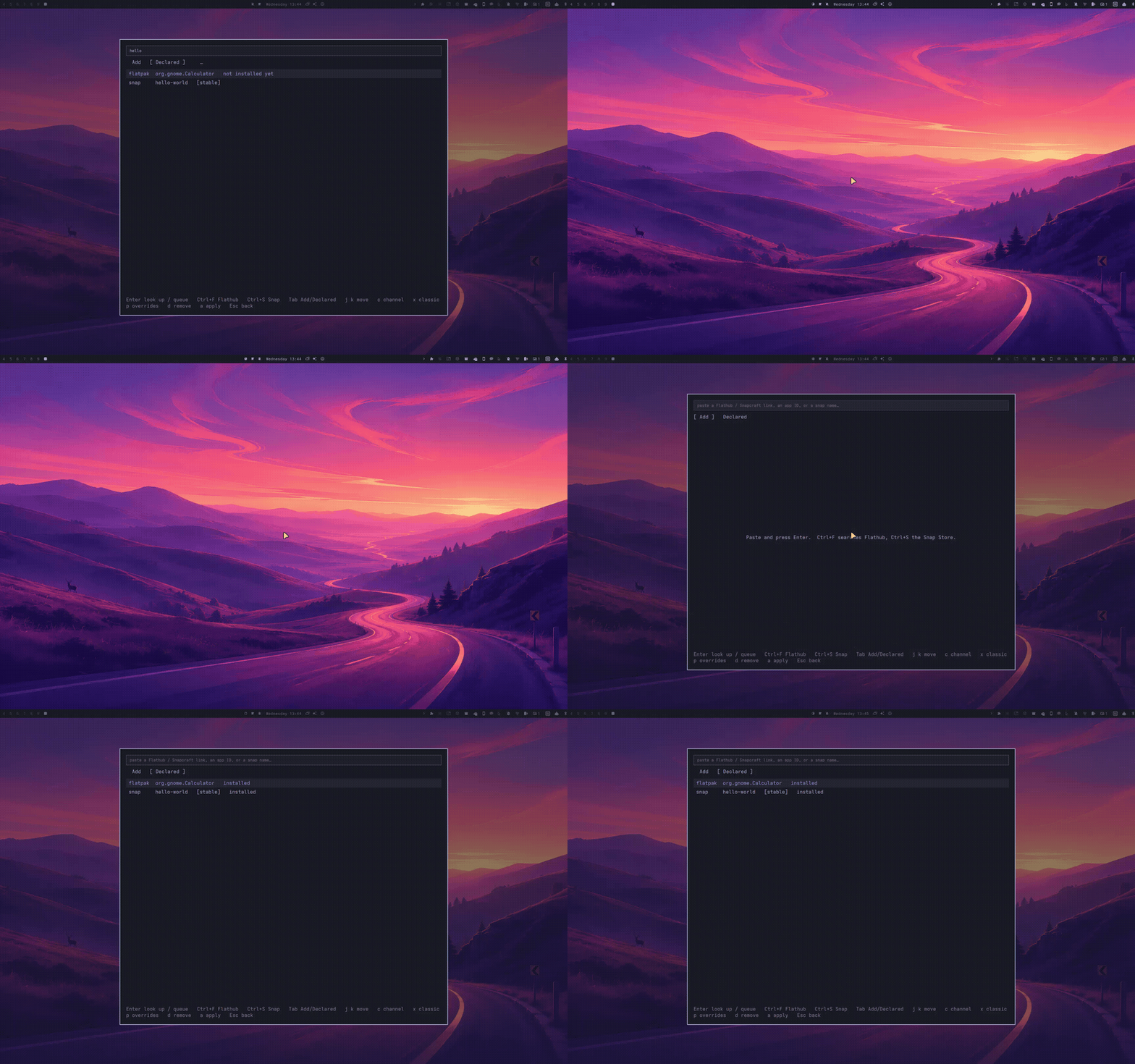
A line in a Nix file, then a rebuild
Enter writes the app into
~/.config/nixarchy/flatsnap.nix. a checks that
file and lists what changes since the last apply. A second a
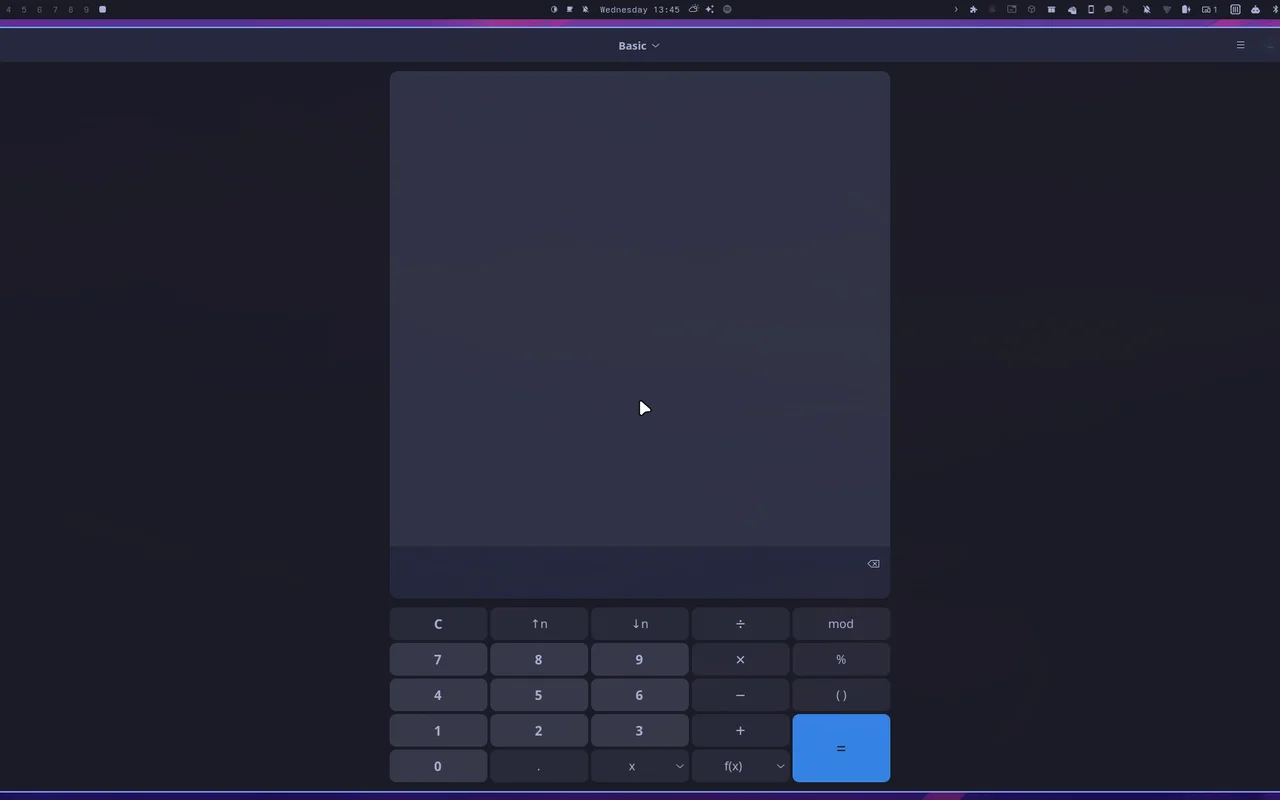
runs nixarchy-apply and streams the build into the panel
(l brings the log back after Esc). Flatpaks
become services.flatpak.packages. Snaps are kept installed by
a small reconciler on top of
nix-snapd.
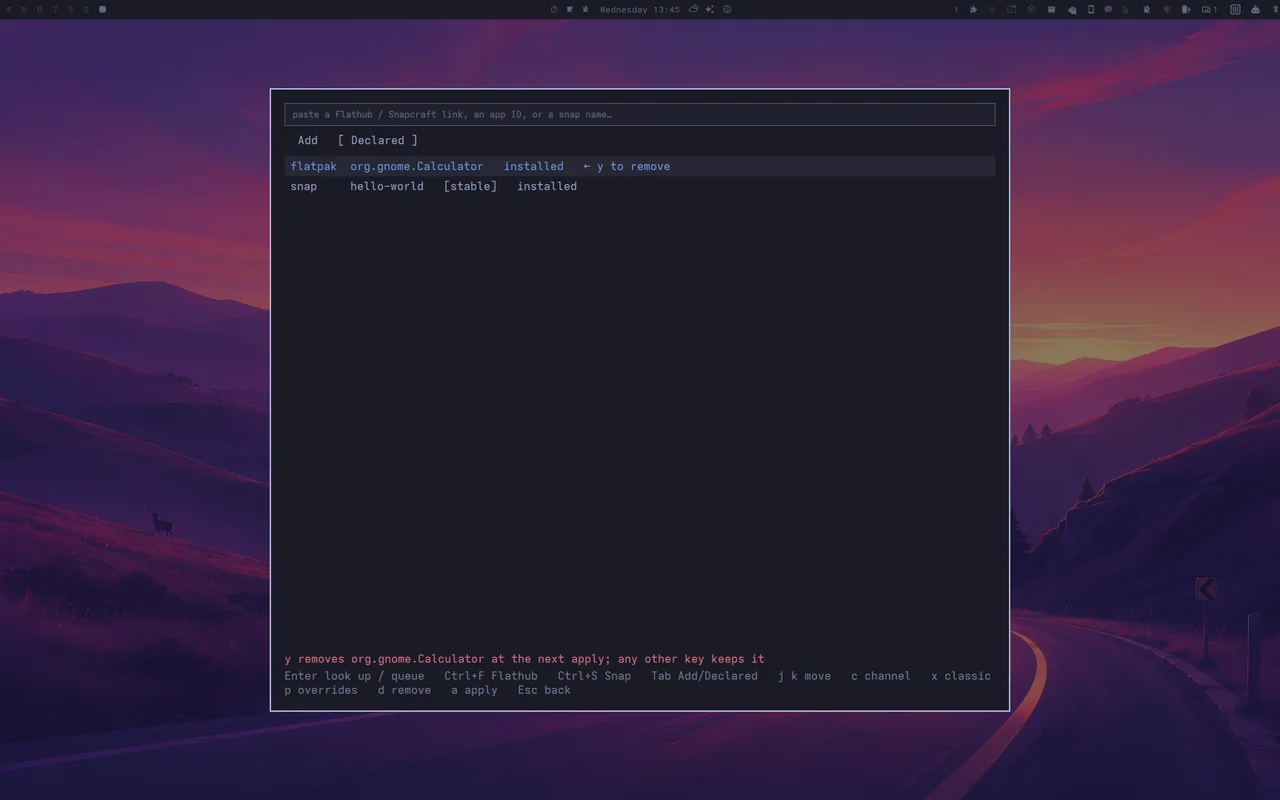
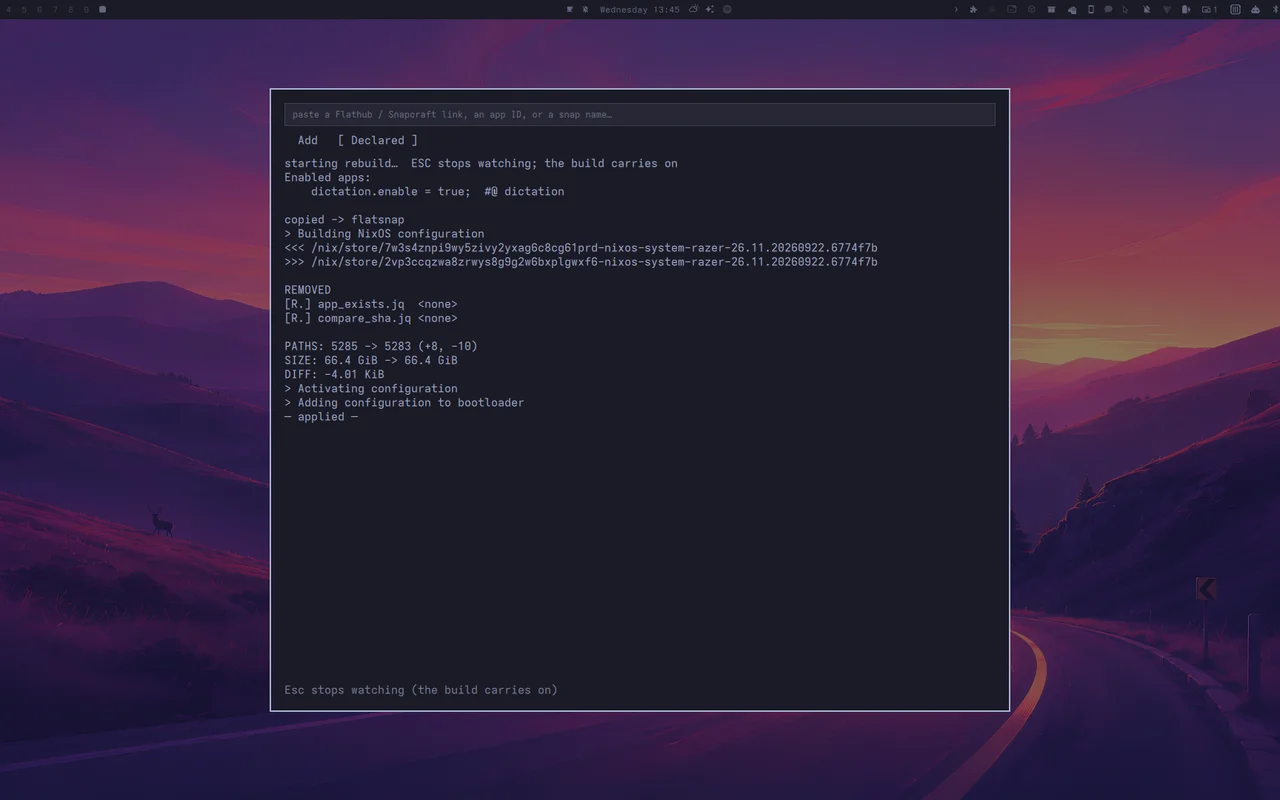
Un-declaring with d y and applying removes the
app again.
x.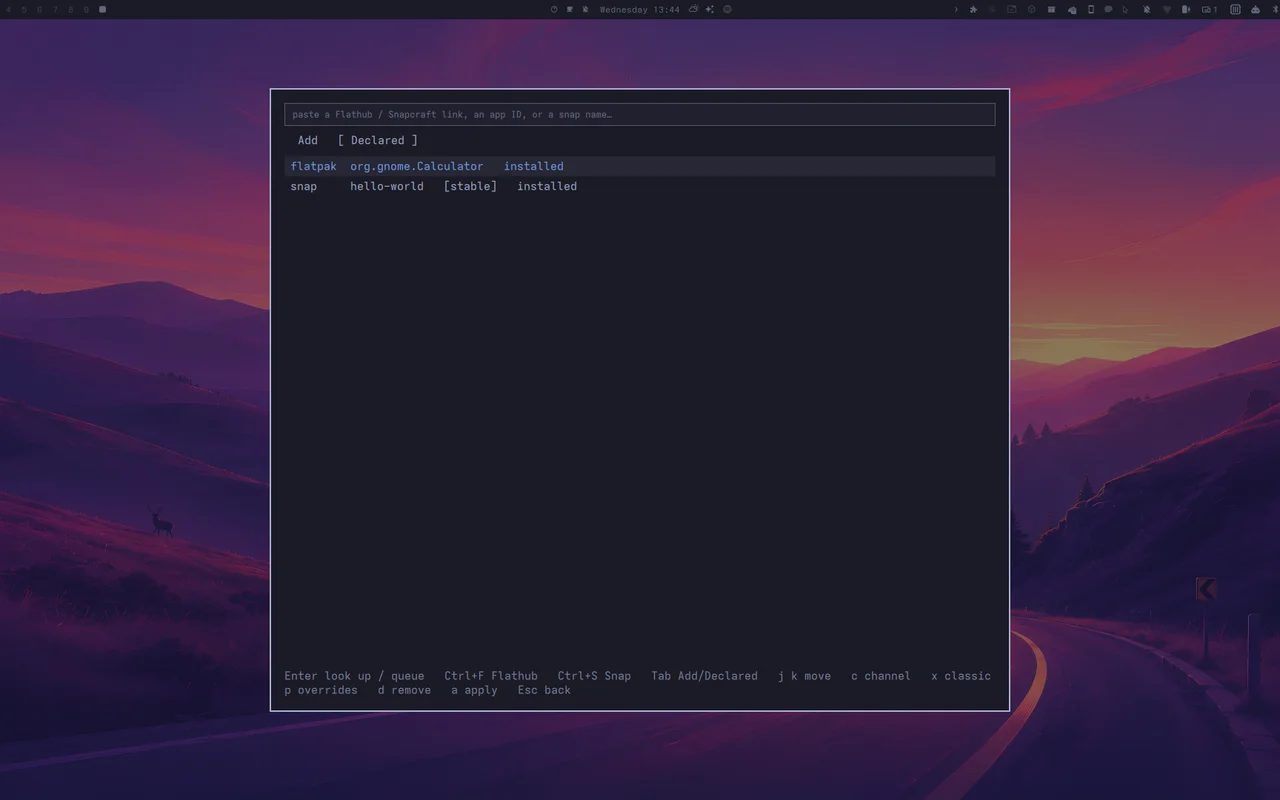
Un-declare, then apply
d marks the row, y confirms, and any other key
keeps it. The next a removes what nixarchy installed. A Snap
you installed yourself is never touched.
The removal's apply, as the panel shows it.
What it will not do
These are deliberate.
- Run what you paste. Input is refused unless it
matches the Flatpak or Snap ID grammar. That covers other hosts,
http://, non-Flathub remotes and flags it doesn't know. - Remove software you installed yourself. The
reconciler removes only Snaps it installed. Flatpaks follow nixarchy's
uninstallUnmanaged, and when that is on the panel names what would go and asks twice. - Pretend Snaps are sandboxed like on Ubuntu. nix-snapd has no AppArmor, and the panel says so on every Snap. snapd runs only while you have a Snap declared.
- Build behind your back. Queuing edits a file. Only
arebuilds.
MIT · part of the nixarchy family