GogMail TUI
Your entire Google Workspace — Gmail, Calendar, Drive, Docs, Tasks, Contacts and Chat — plus a context-aware Gemini assistant, in a fast, keyboard-driven terminal app.
Demo
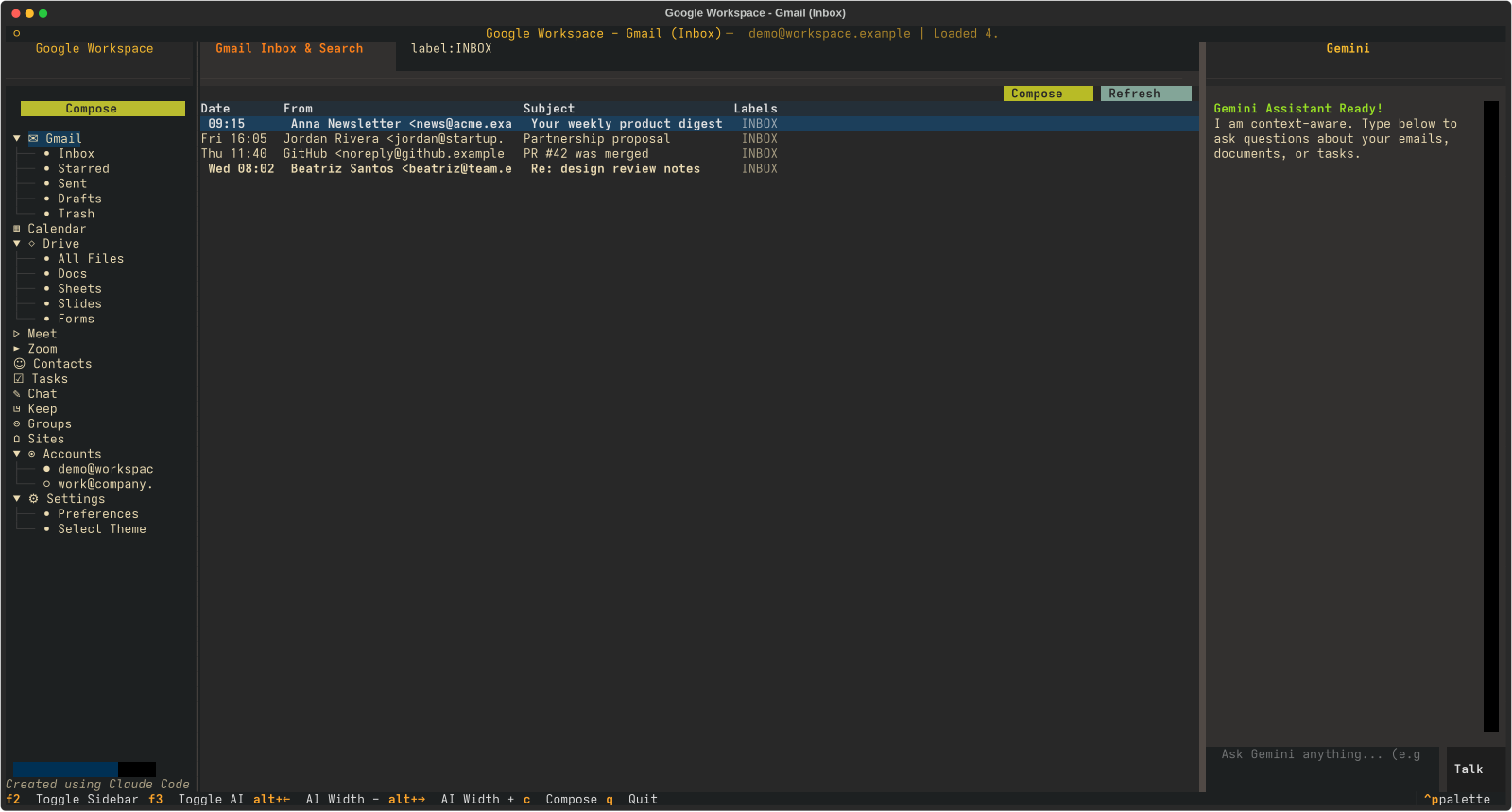
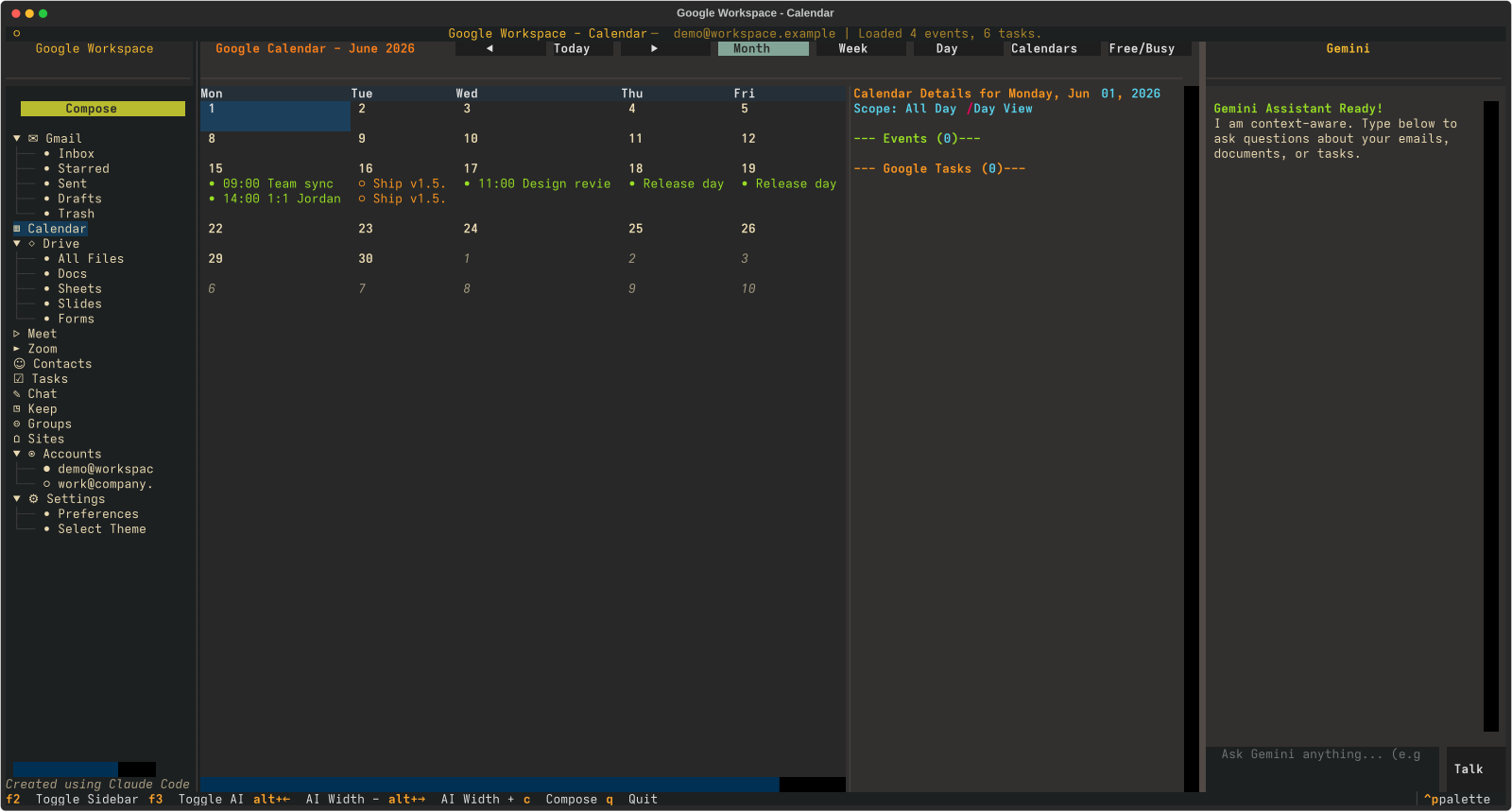
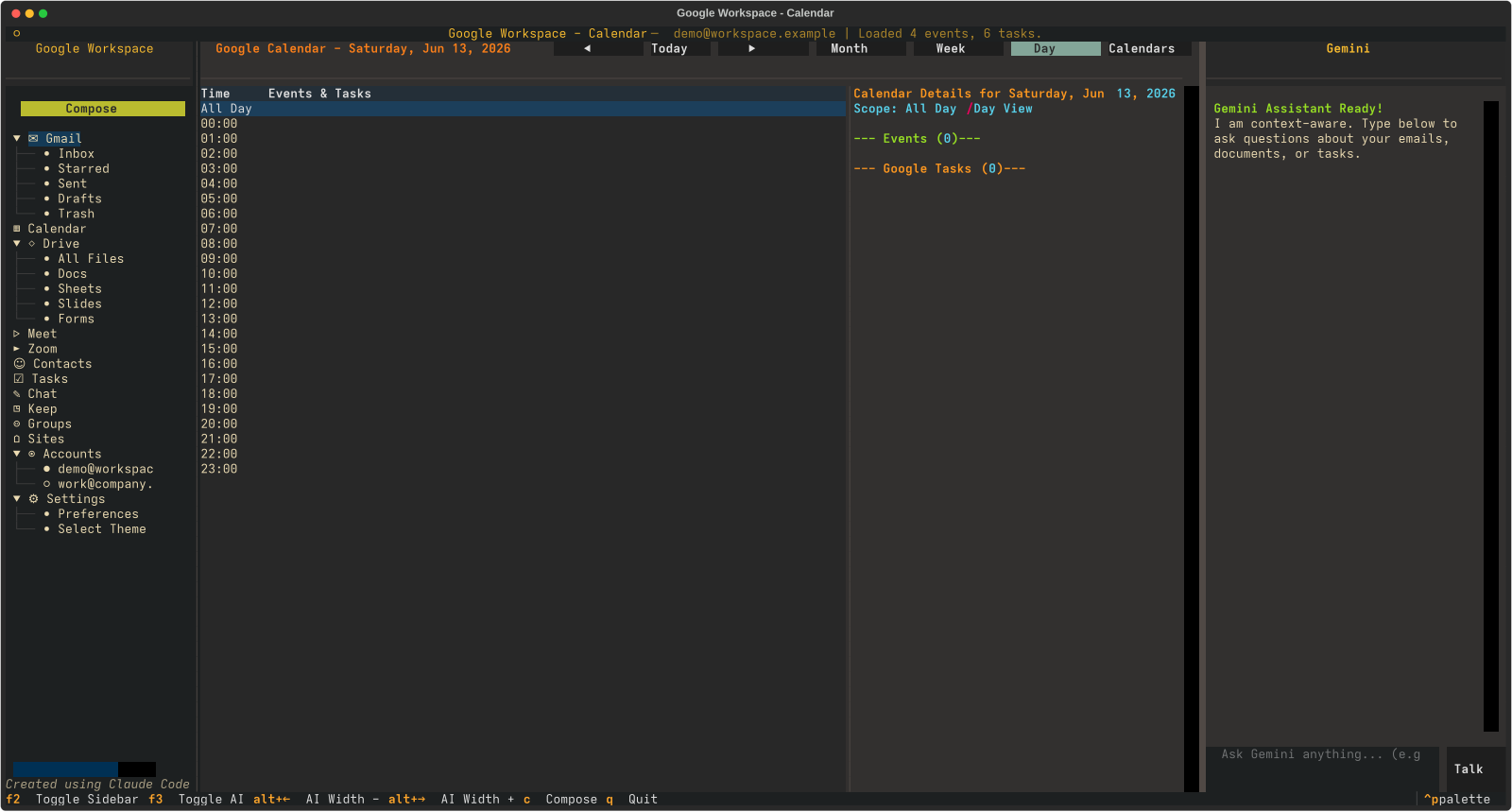
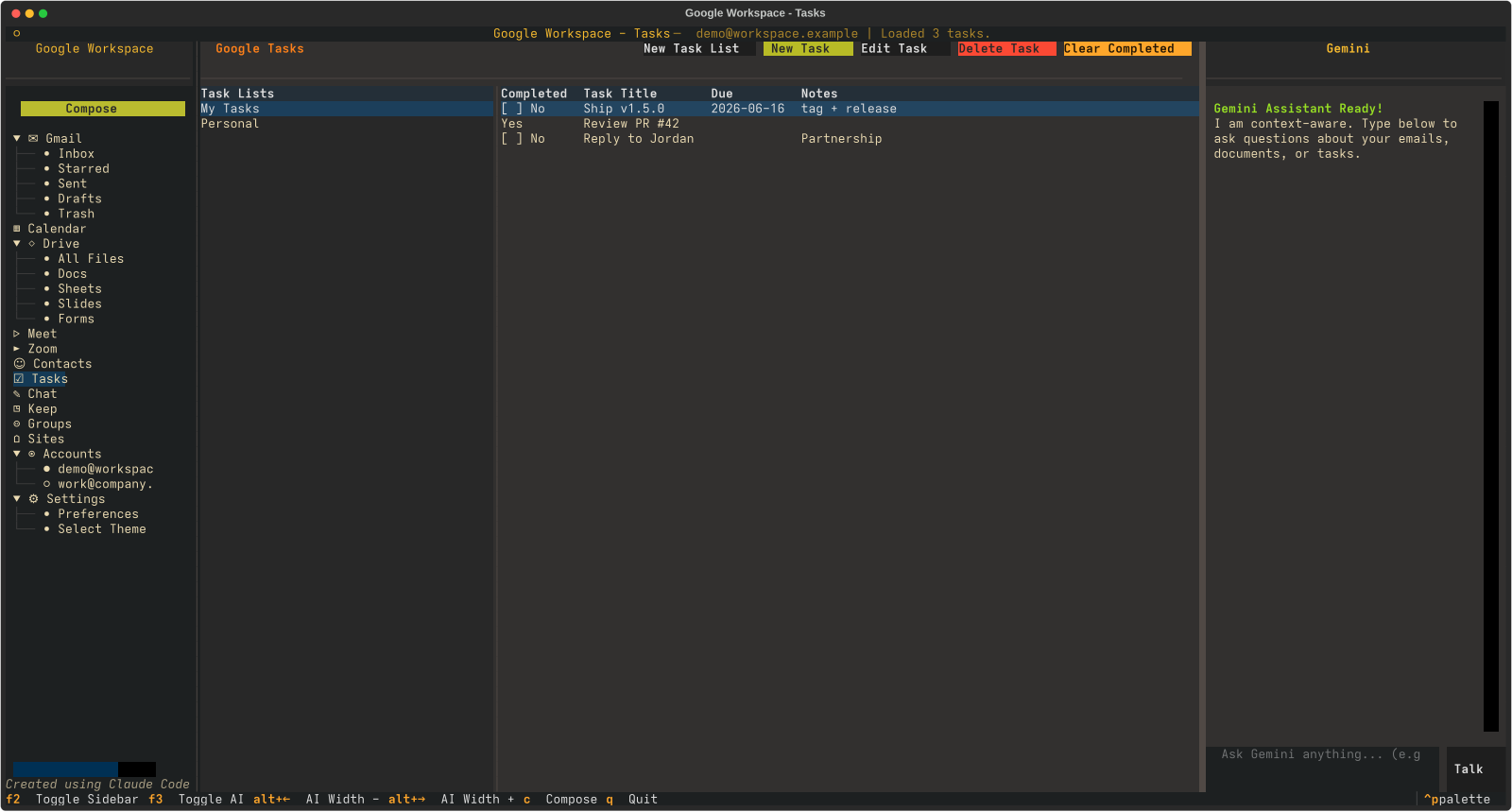
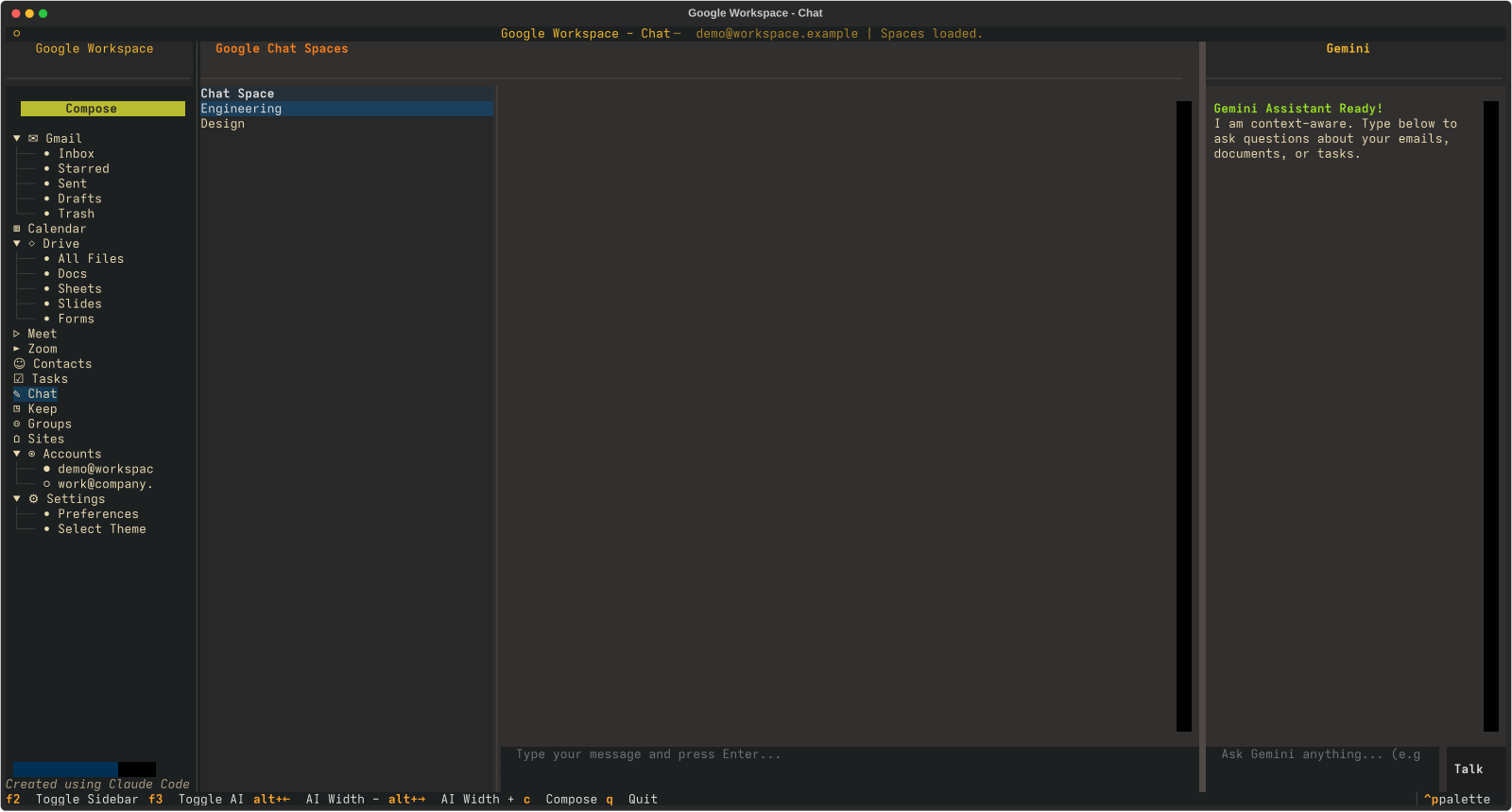
A live tour of the Gruvbox Dark interface — it cycles automatically.
What it is
One terminal window for everything Google Workspace.
GogMail is a Terminal User Interface built with
Textual. It never touches Google
APIs directly — every action flows through the local
gog CLI, which owns
authentication, while a side panel talks to Gemini for summaries,
drafting and tool-calling. A tree sidebar on the left, a content pane in the
middle, and an AI drawer on the right — all navigable by keyboard or mouse.
Features
Every Workspace service, one consistent interface.
Gmail
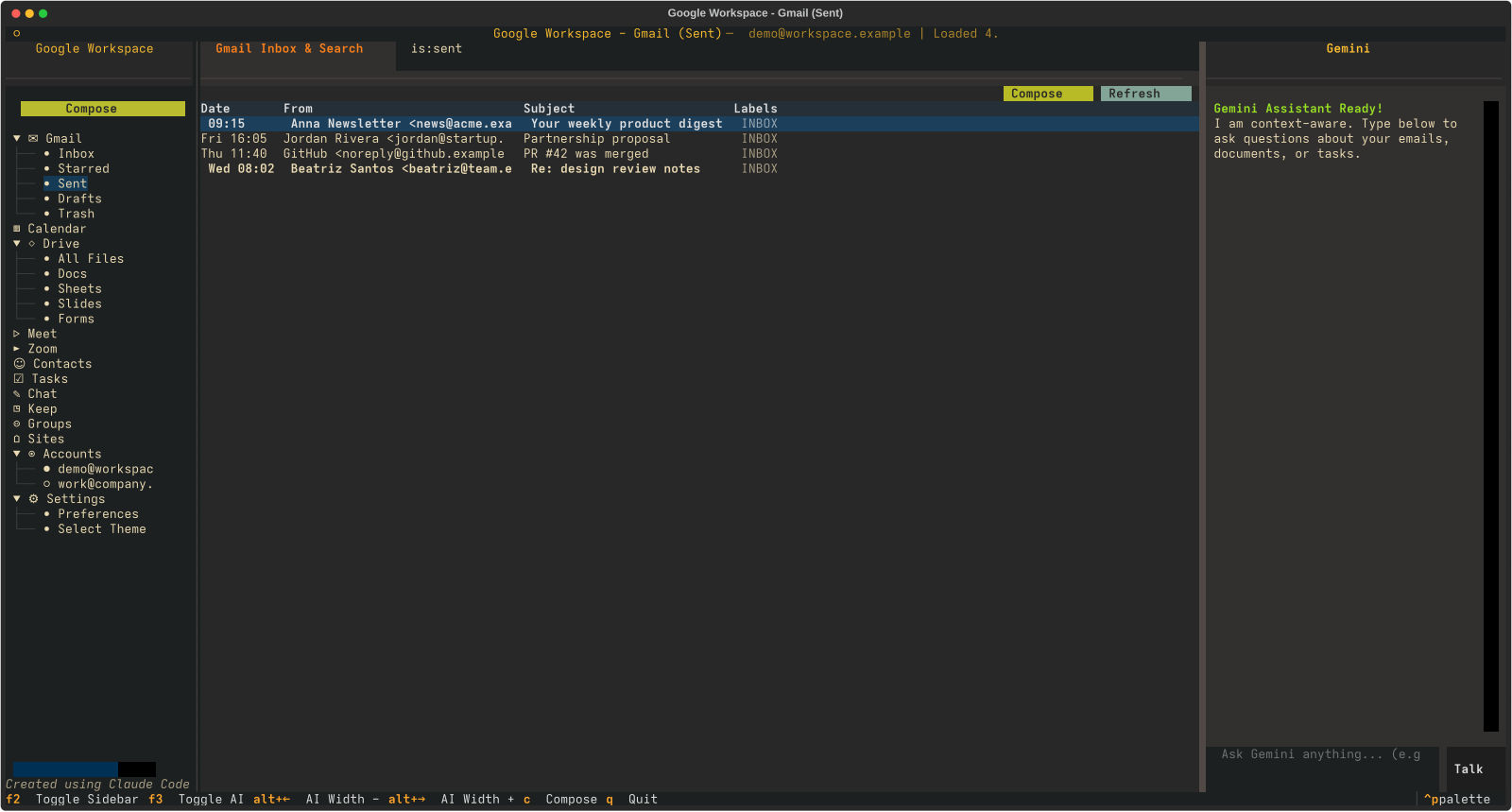
Read, search (paginated), compose, reply, star, label/move, drafts, attachments. HTML rendered to clean text with a plain-text fallback, and inline images shown in-client (remote images opt-in to block trackers).
Calendar
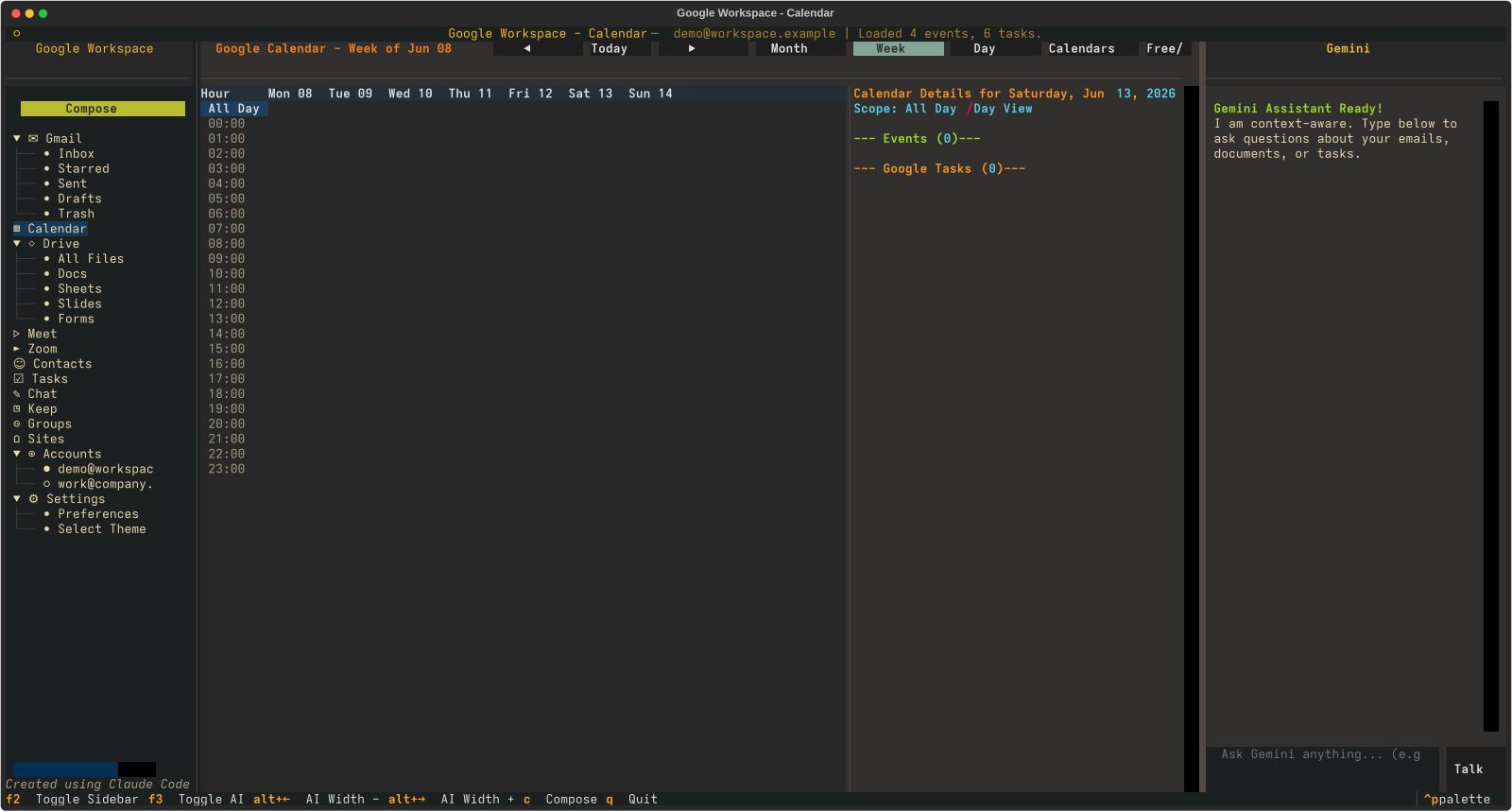
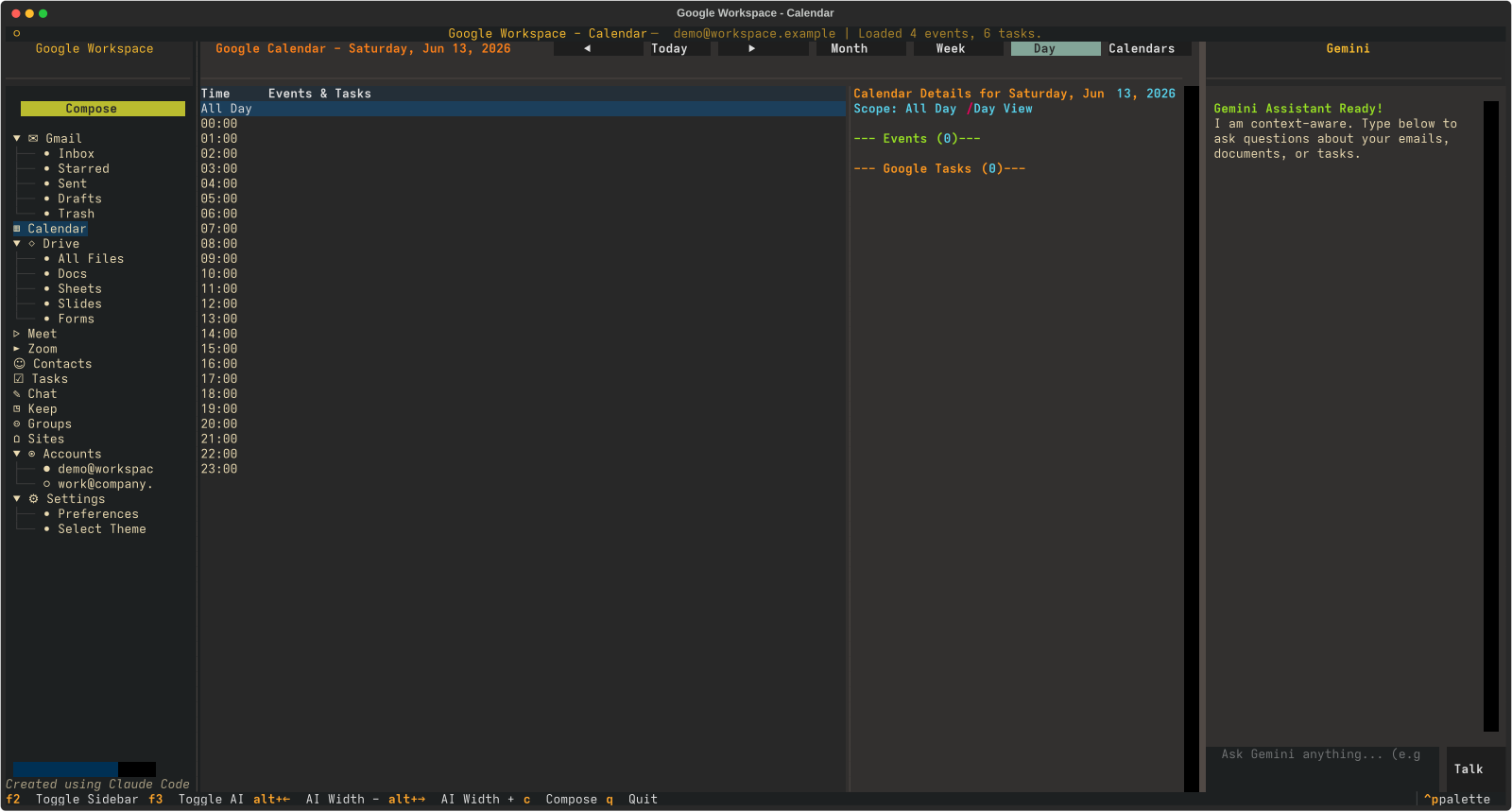
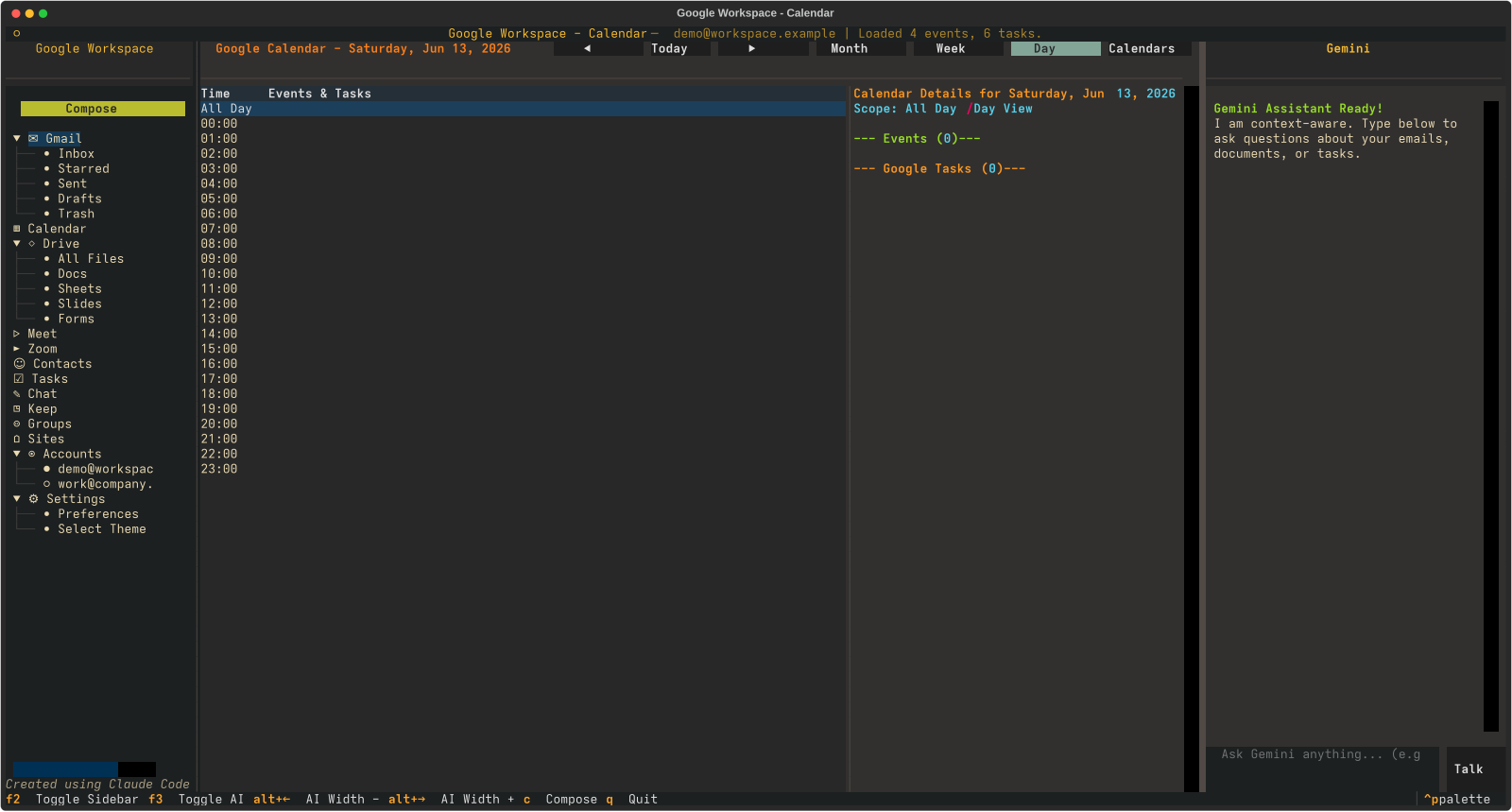
Month, week and day views with a details panel. Create, edit, delete and RSVP to events, a multi-calendar picker and free/busy lookup, with Tasks alongside your agenda.
Drive
Browse, search, upload, download, folders, share/rename/move, and an inline image-preview pane. Open files in the browser — Docs/Sheets/Slides in their editors.
Docs · Sheets · Slides · Forms
List and open documents, read Docs inline, render Sheets in a grid, and create new files from a single shared tab base.
Tasks
Multiple task lists, complete/uncomplete, add and delete — kept in sync with the calendar.
Contacts
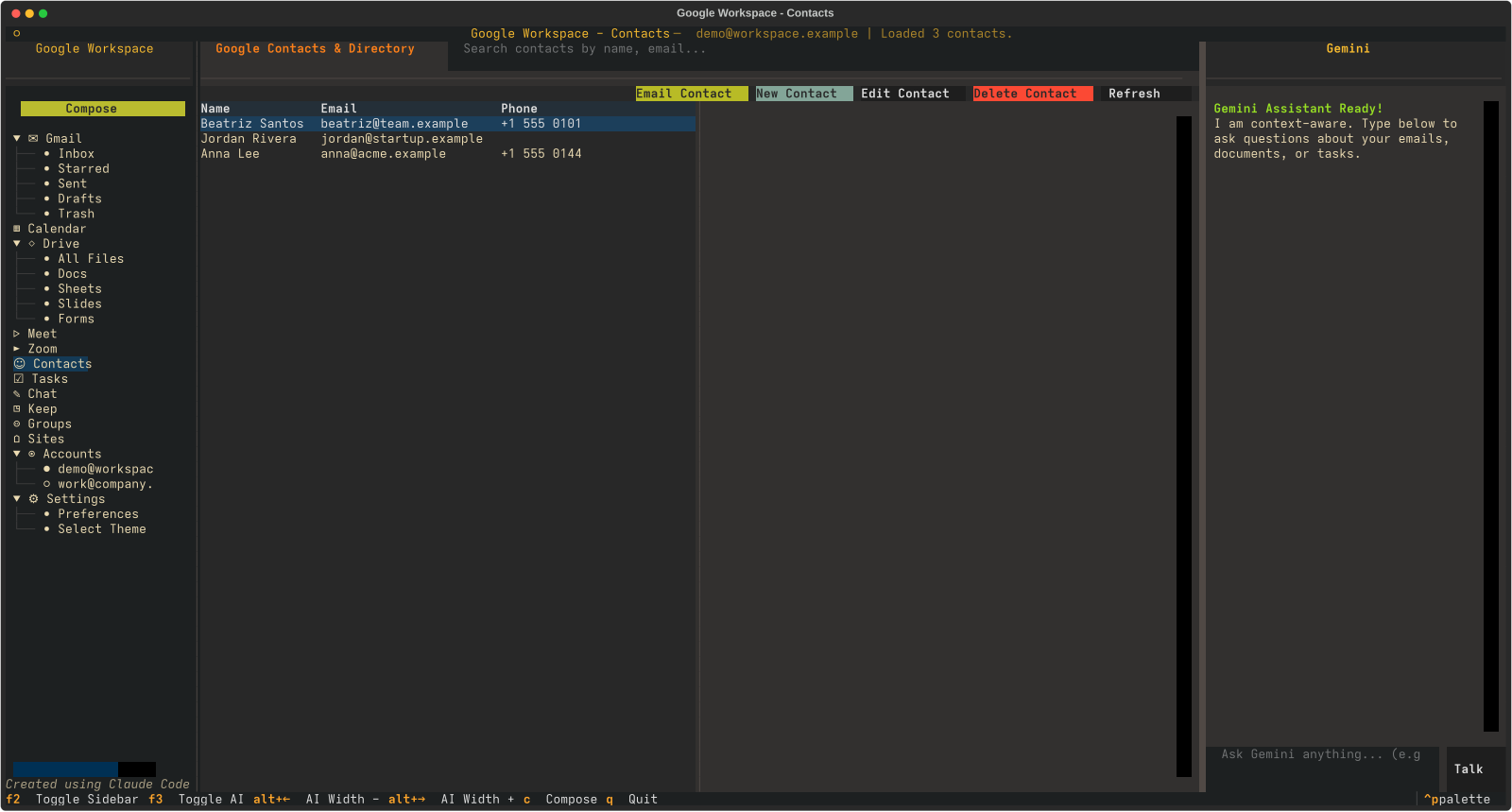
Fast directory search, a details card, and a one-key “Email Contact” that opens Compose pre-filled.
Meet · Zoom · Chat
Spin up a Meet space, create Zoom meetings that launch your Zoom client, and read/post in Google Chat (with real participant names).
Gemini assistant
Agentic read and act: ask “show my latest emails”, “what’s on my calendar this week”, “find the doc about X” — it fetches via gog, summarizes, and opens the matching view populated. Plus send, draft, and create.
Voice control
Push-to-talk: speak a command and it’s transcribed to drive the assistant. Optional spoken replies in Google’s natural Gemini TTS voice. Toggle both in Settings.
More services
Keep notes, Google Groups + members, and opt-in Photos (with thumbnails), YouTube, Classroom and Sites tabs — each toggled on in Settings once its API is enabled.
Packaged & signed
Install via Nix, or signed .deb/.rpm/zipapp releases that ship an SBOM, vulnerability scans and a cosign-signed checksum — no secrets bundled.
Multiple accounts
Switch between every authenticated Google account from the sidebar; the choice persists and every view reloads under it.
Six themes
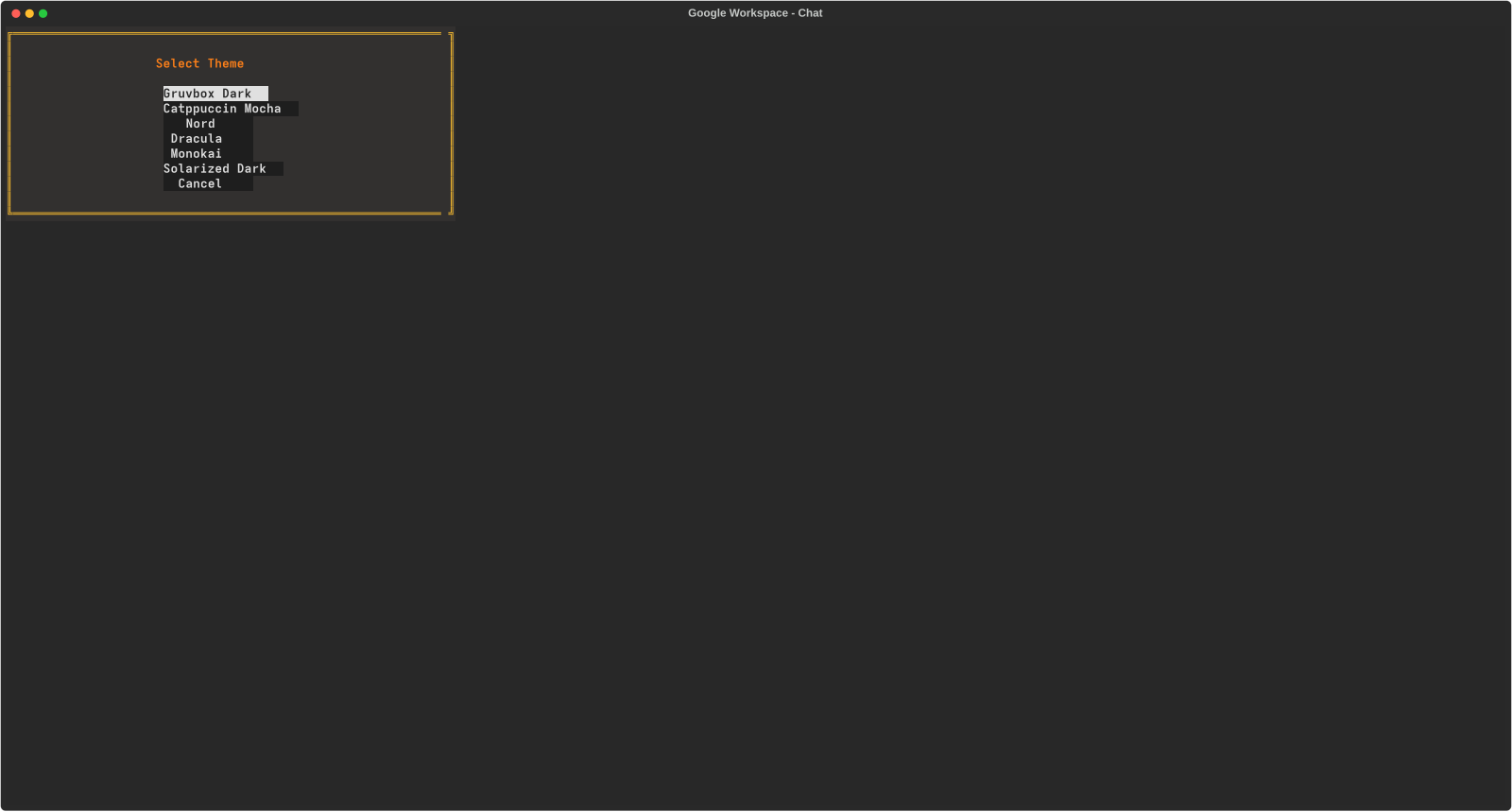
Gruvbox, Catppuccin, Nord, Dracula, Monokai, Solarized — switched live and remembered.
Keyboard & mouse
Full tab/arrow/enter navigation and clickable everything. tmux-friendly key bindings (F2/F3) and a draggable AI panel.
Nix-native
A flake with nix run, nix develop, and nix flake check, plus NixOS and Home Manager modules with secret-safe API keys.
Why & how it was built
A terminal-first power user who lives in tmux shouldn't have to leave it for email.
The why: webmail is heavy and context-switching is expensive. If you already run your editor, shell and tools in the terminal, your inbox, calendar and tasks should be one keystroke away — fast, themeable, and scriptable on top of a CLI that already handles Google auth.
The how: the whole thing was designed, debugged and hardened in collaboration with Claude Code, following a tight plan → act → reflect loop:
Thin, layered architecture
A GogAPI wrapper over gog --json, per-service Textual tabs, and an app shell — each layer mockable and testable in isolation.
Reliability first
Every gog failure surfaces as a toast instead of an empty screen; a startup preflight checks auth; emails never render blank thanks to layered HTML→text fallbacks.
Verified against real data
Bugs were reproduced and fixed by rendering the actual UI headlessly to screenshots and replaying real mailbox data — not guesswork.
Tested & packaged
A stdlib unittest suite wired into nix flake check, and a flake that wraps the gog CLI and tools onto PATH so it just works.
The full story — including the bugs and how we hunted them — is in the blog.
Screenshots
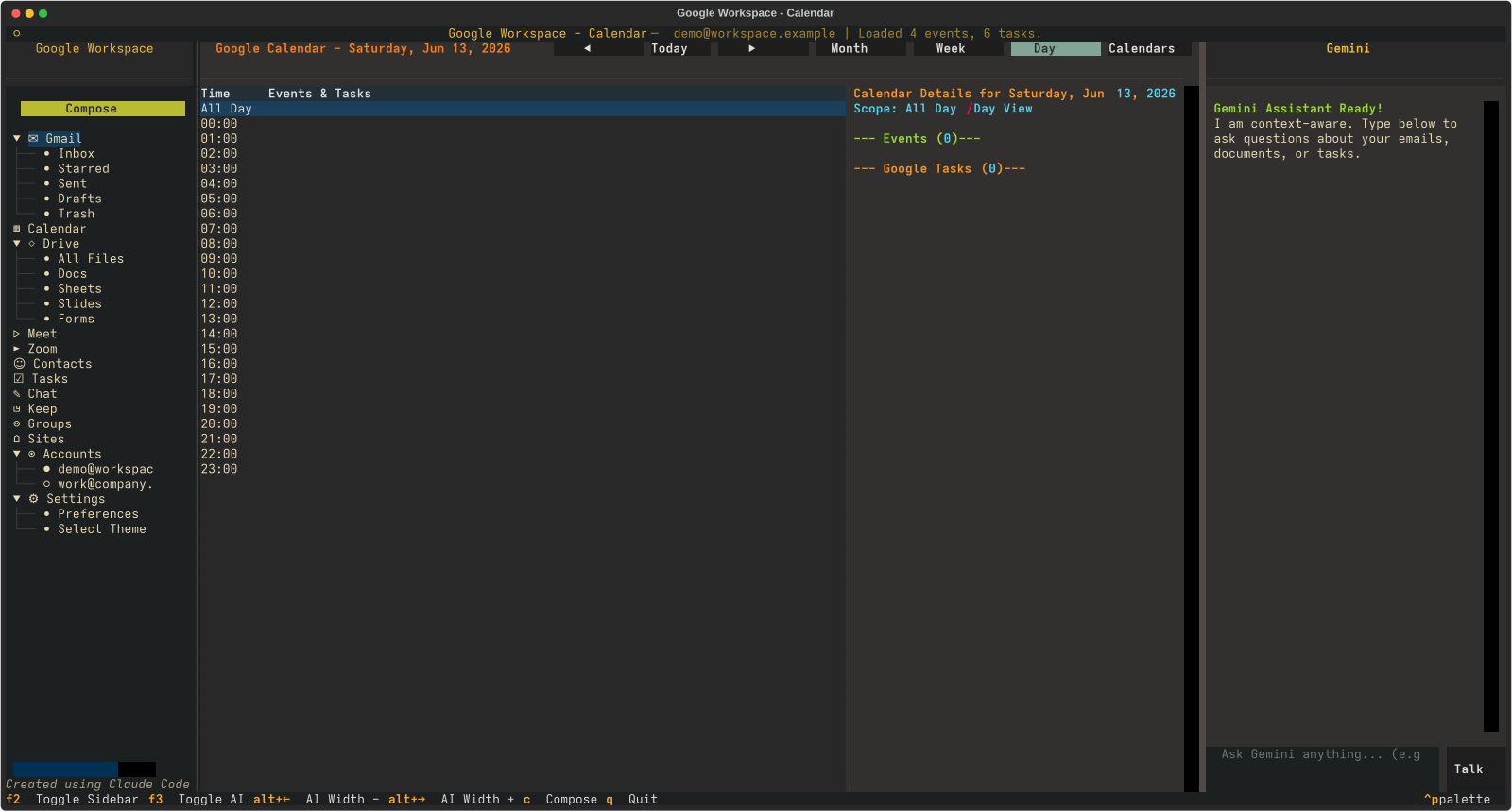
Gruvbox Dark, the default theme.
Get started
You need the gog CLI authenticated and a Gemini API key.
# authenticate one or more Google accounts
gog auth add you@example.com --services gmail,calendar,contacts,tasks,drive,chat
export GEMINI_API_KEY=AIza...

# run it (Nix)
nix run github:olafkfreund/gogmail

# …or install a signed package on any distro:
sudo apt install ./gogmail_<ver>_all.deb        # Debian/Ubuntu
sudo dnf install ./gogmail-<ver>.noarch.rpm      # Fedora/RHEL
python3 gogmail.pyz                              # portable zipapp

# …or from a clone:
just run
Packaged .deb/.rpm/zipapp releases (with SBOM +
cosign-signed checksums), NixOS & Home Manager modules, multi-account
setup, and secret-safe key handling are all in the
install guide
and PACKAGING.md.